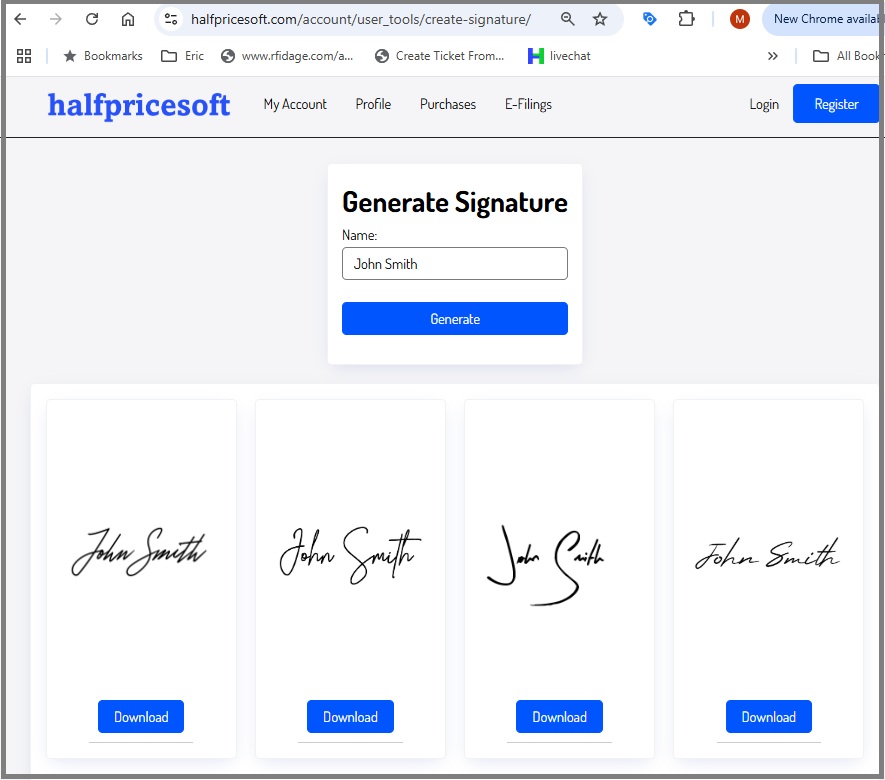
Option 2: Create a Signature with Paint
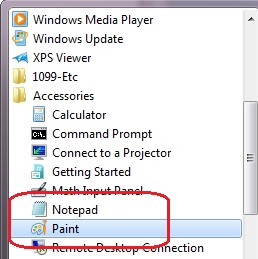
Step 1: Open Microsoft Paint
Paint is a drawing program you can use to create drawings or edit digital pictures. You can also use Paint to save picture files using different file formats.
Open
Paint by clicking the
Start button Picture of the
Start button, clicking
All Programs, clicking
Accessories, and then clicking
Paint.
Step 2: Create Signature
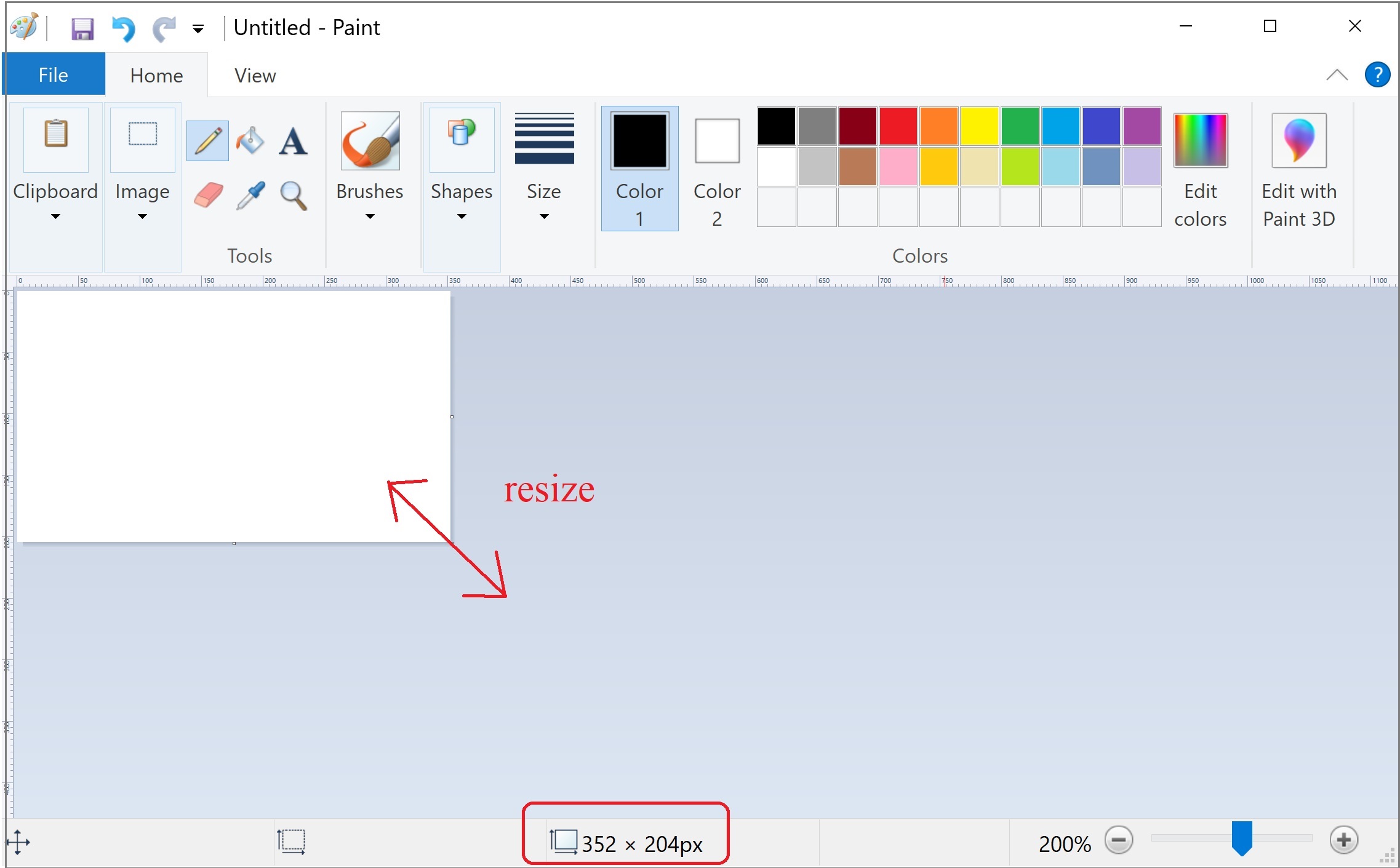
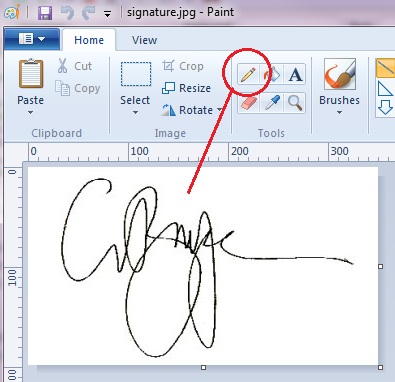
2.1 Set the image size close to 350 x 200.
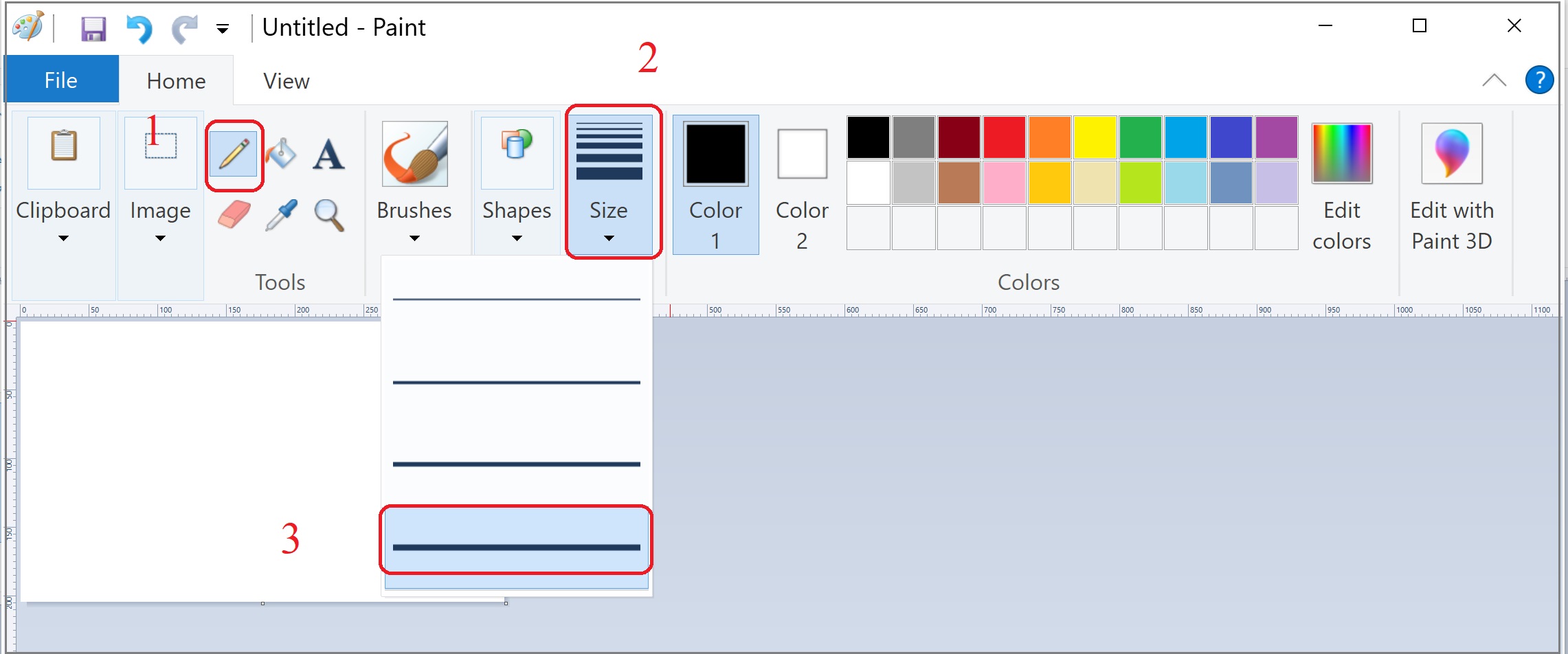
2.2 Select the "Pencil" and change the line thickness.
2.3 Draw the signature.
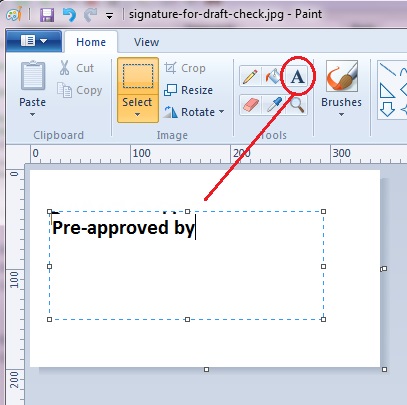
If you need to create an image file for check draft, you can enter the text
Step 3: Save your file
You can save this file as bmp, jpg, gif and png format file, then add it to ezCheckPrinting, ezPaycheck,
ezAccounting and ezCheckPersonal application.
ezCheckPrinting: How to print your own checks in house with signature ezPaycheck: How to add signature to payroll check