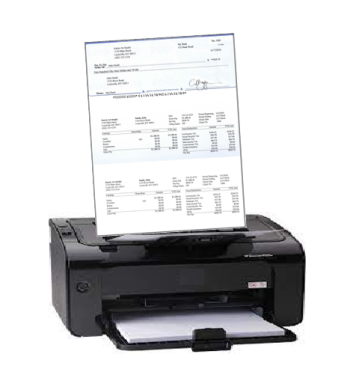
How QuickBooks Virtual Printer Works
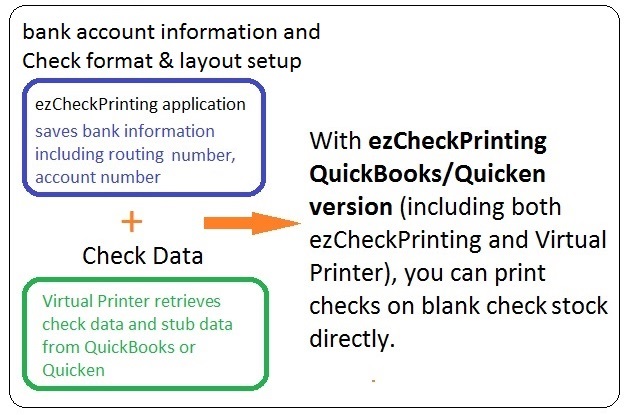
ezCheckPrinting QuickBooks/Quicken version includes two parts: ezCheckPrinting and Virtual Printer.
1) ezCheckPrinting application saves the bank information and check format information.
2) When you print QuickBooks checks with virtual printer, the check and stub data will be transferred to Virtual Printer.
3) Then you can print the bank information with data on blank check stock.
Trusted by Thousands for Almost Two Decades
ezCheckPrinting QuickBooks/Quicken version includes both
ezCheckPrinting software and
QuickBooks/Quicken Virtual Printer. With Virtual Check Printer and ezCheckPrinting software bundle, QuickBooks and Quicken business users can now
Print checks and stubs on blank stock in one step from QuickBooks desktop version, network version and online version;Print checks with logo, signature and extra labels;Print check data on pre-print checks;Support unlimited company/bank accounts, unlimited checks with one flat rate;You can also use ezCheckPrinting as stand-alone check writer to
Print checks to pay bills;Print pre-printed check with MICR encoding to fill in manually later;Print check drafts to collect fund via phone, fax and internet.Get Help
Please feel free to
contact us whenever you need assistance. Our support team is glad to assist you.