Logo or signature does not print
1. The image file type is wrong
Use a .bmp, .gif, or .jpg file. The Windows version also accepts .png. The Mac version may not accept .png.
Do not use a PDF or Word document as the company logo or the signature.
2. Blank stock is not selected
The logo prints only when the account is set to blank check stock. The pre-printed check option fills in the data and skips the logo and signature.
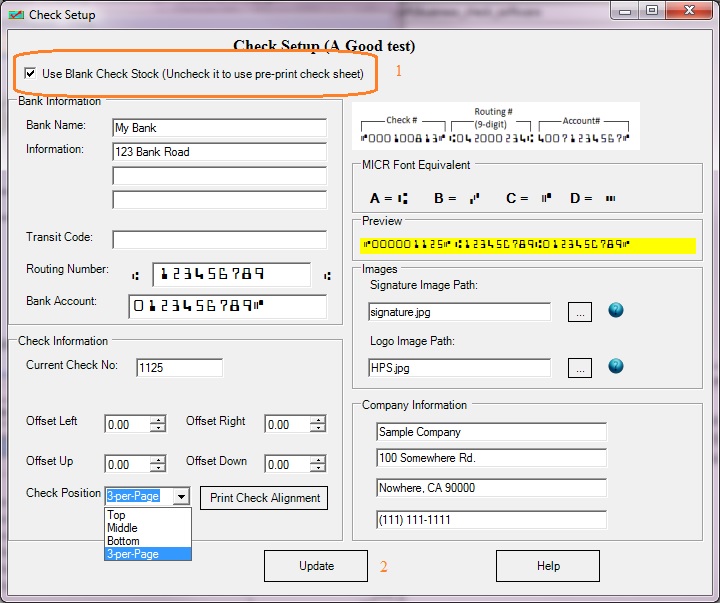
3. The image has a large blank margin
A wide empty border around the logo or signature makes the picture look missing or tiny. Open the file in Paint, or another image editor, and crop it to the artwork.

4. The image was set to invisible
On the layout screen, the logo can be hidden. Turn visibility back on for that image.
