ezPaycheck Payroll Software: How to Export Employees
DIY ezPaycheck payroll software automates tax calculations and paycheck printing for small businesses. Learn how to export employee data to a CSV file using this payroll solution.
Steps to Export Employee List
Step 1: Start ezPaycheck application
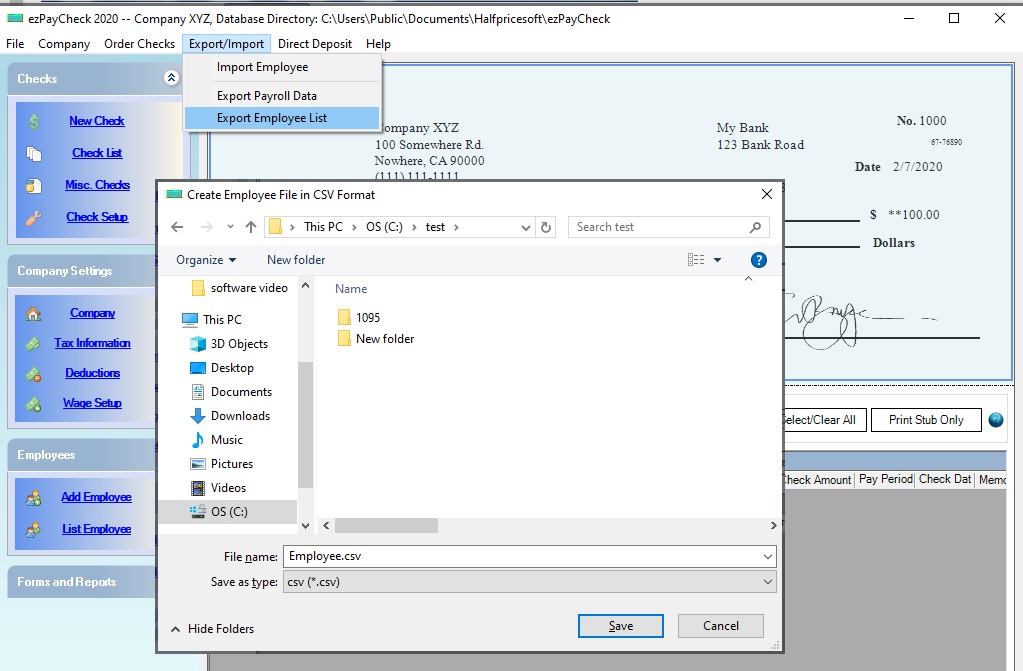
Step 2: Click the top menu "Export/Import", then click "Export Employee List"
Step 3: Export Data
- Change the file folder if needed. - Enter the file name. - Click the "Save" button
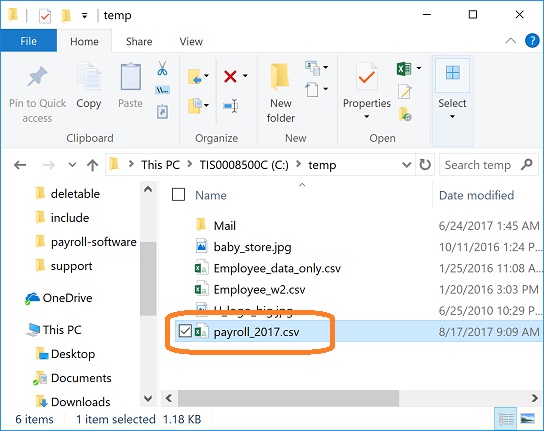
Step 4: View Data
After exporting the data, locate the .csv file in your file folder and double-click it to open and view it in Microsoft Excel.