SSA Approved. Trusted By Thousands for Over Two Decades.
ezW2 Software: How to Print W3 Form on White Paper
Preprinted forms are NOT necessary! ezW2 software is approved by SSA to print all W-2 forms (copy A, B, C, D, 1 & 2) and W-3 form on white paper. If you still prefer the red forms, our W2 form software can fill in data on pre-printed forms too.
ezW2 software generates the W3 form automatically based on your W2 forms. If you want to print W-3 form only without entering W2 form data, please refer to this article:
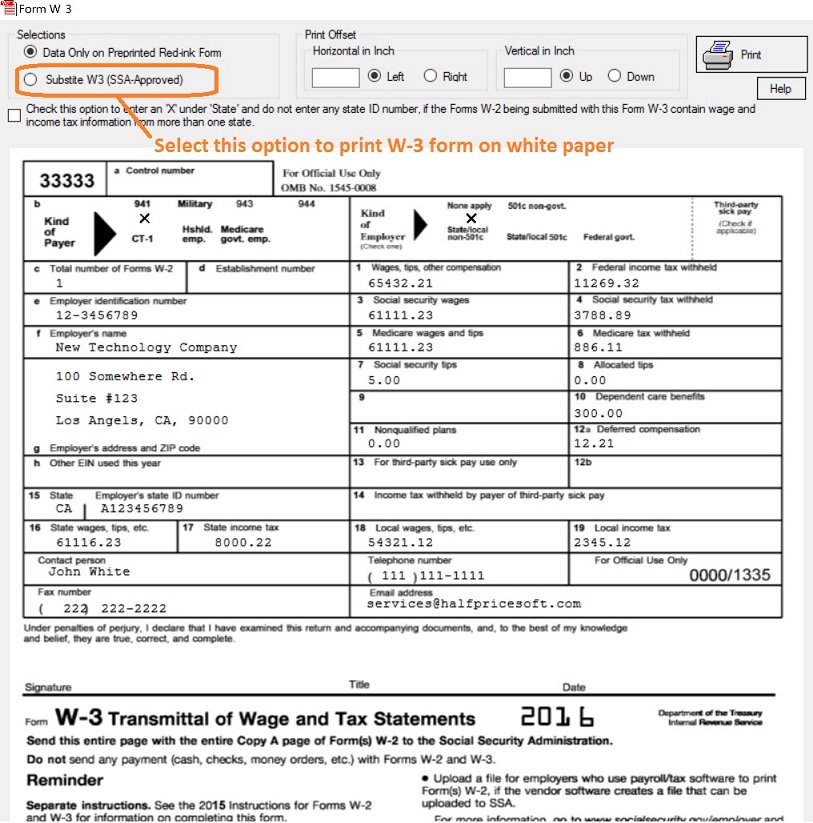
Click the top menu "Current Company" then "Form W3" to view and print W3 forms. If you need to print W3 form on white paper, please choose the option "Substitute Form".
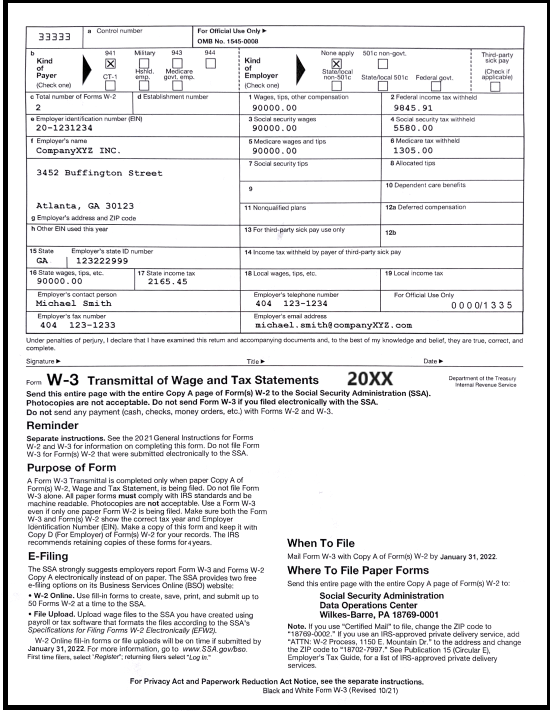
Option 1. Print form on white paper
If you need to print W3 form on white paper, please choose the option "Substitute Form".
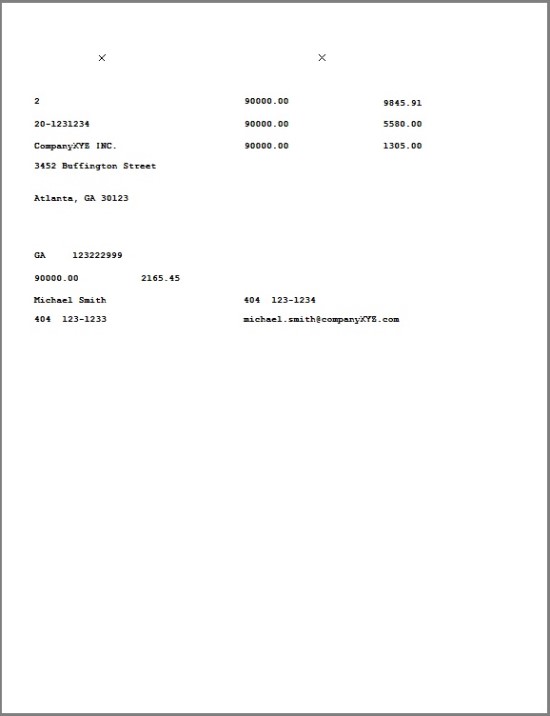
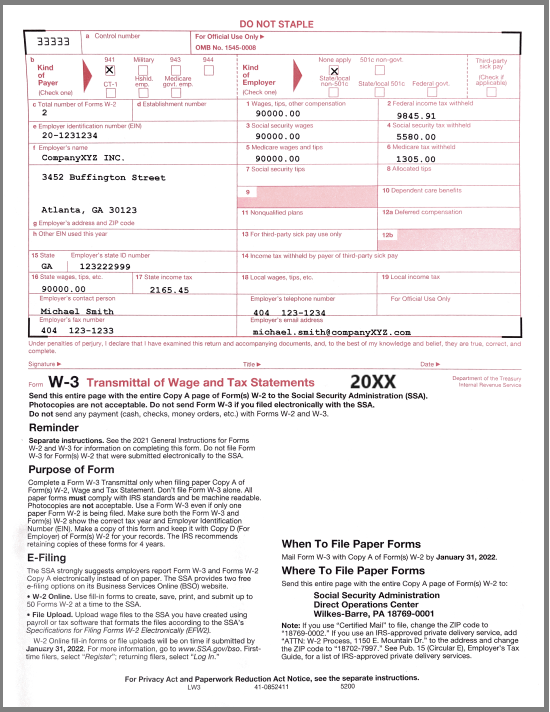
Option 2. Print data only on W-3 red form
Print data only
Fill in data on pre-printed W-3 form
ezW2 software: SSA Approved. Trusted By Thousands for Two Decades.
Print and eFile Form W2, W3, 1099-NEC & 1096 in House.
Unlimited Company Accounts! Unlimited Forms!
Compatible with Windows 11, 10, 8.1, 8, 7, Vista, XP and other Windows computers.
Try it free today. No obligation. No credit card required.