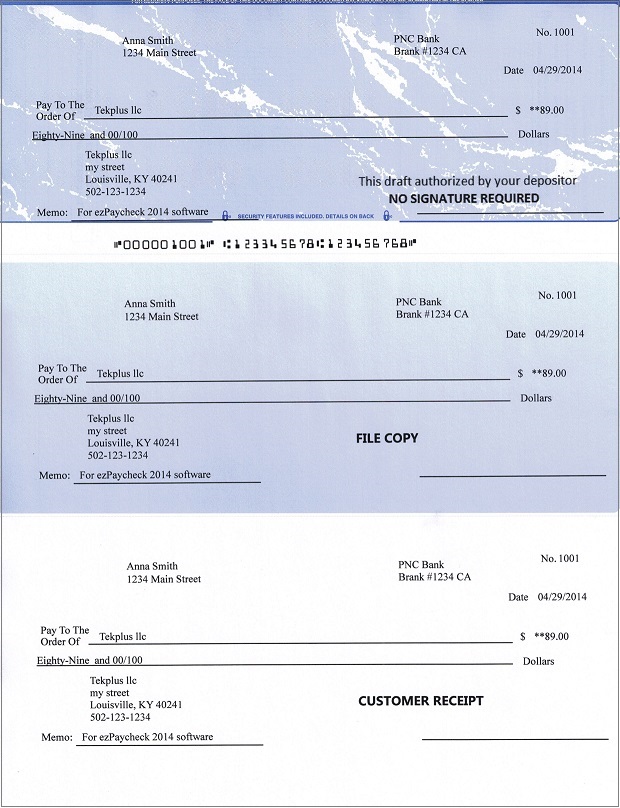
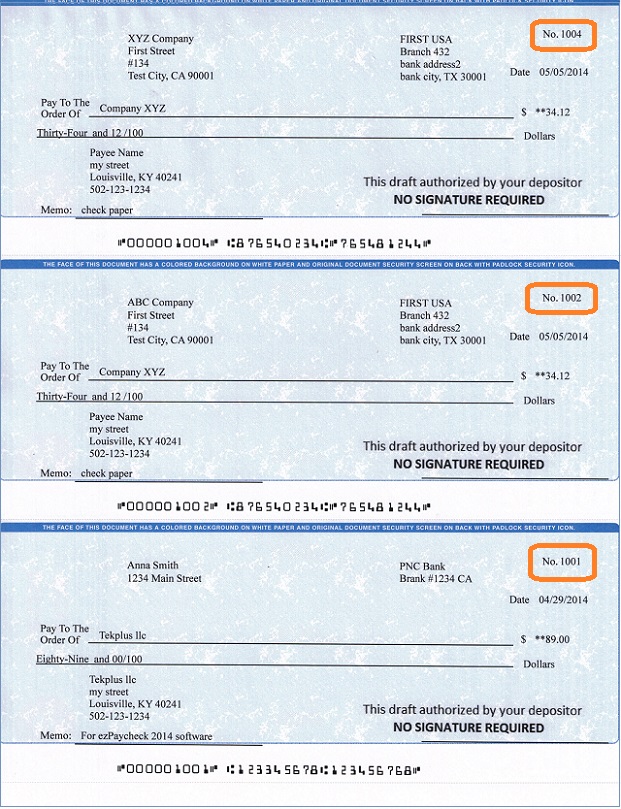
With ezCheckDraft software, you can print professional draft checks with MICR encoding line on blank stock to receive payment via phone, email and fax easily in house.
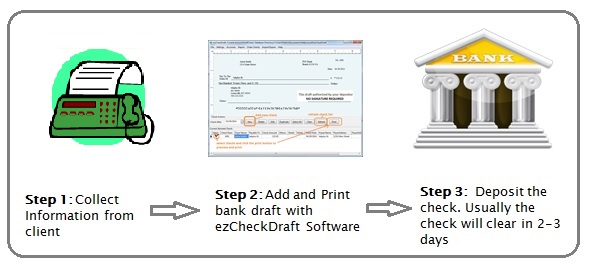
Usually you need to get the following information:
Client name, address
Client's bank account information including bank name, address, bank account number, routing number and transit code if it is available
Client's permission to print bank draft
Step 2: Add and Print Pre-approved Check Draft
Start ezCheckDraft Software, Add a new draft check and print it. To view step by step guide with image, please refer to this article How to Print Check Draft
From $295
Draft Checks Electronically In-House
ezCheckDraft: Trusted By Thousands.
Draft checks electronically
Generate ACH files for draft checks
Unlimited accounts. Unlimited transactions.
For both federal and states.
Try free DEMO today. No obligation. No credit card required. No risk.
ezCheckDraft is compatible with Windows 11, 10, 8.1, 8, 7, and other Windows system, 32-bit or 64-bit.