ezPaycheck simplifies payroll tasks for small businesses and accountants. Discover how to easily print, file, and e-file Form 941 including optional Schedule B and make 941 deposits.
#1: How to Print Form 941 (and optional 941-V, Schedule B)
#2: How to efile Form 941 (and optional Schdule B) - **new**
#3: How to Make 941 Federal Tax Deposit Payment Using EFTPS Site
#4: How to Enter Tax Preparer Information
#5: How to File State and Local Forms
#6: How to Print Previous Year Forms
#7: How to Enter Form Data Manually
#8: Form 941 Troubleshooting
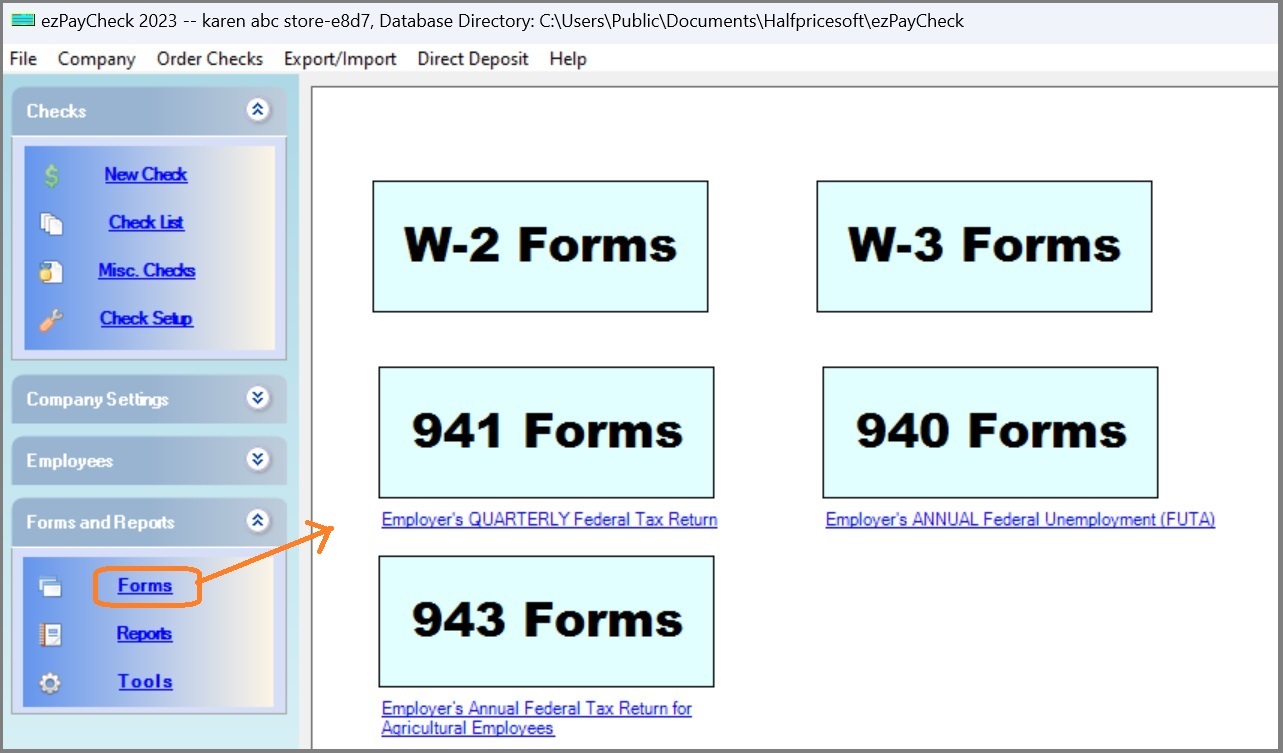
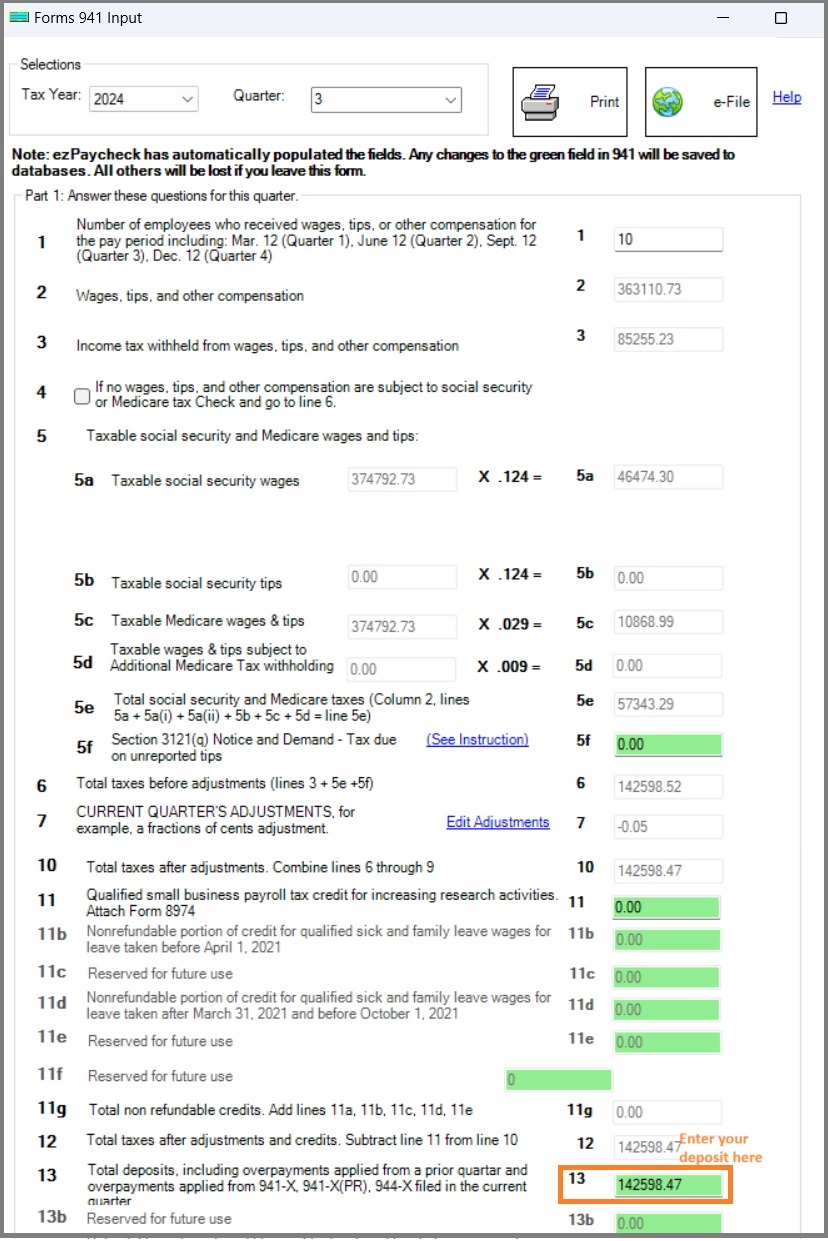
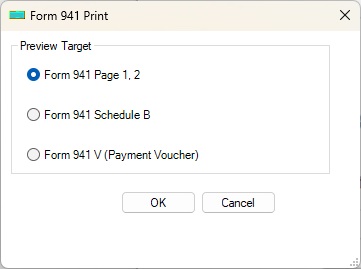
Starting with the 2024 version, ezPaycheck for Windows introduces direct e-filing support for Form 941 (and optional Schedule B).
The e941 feature, available as a recommended add-on, enables users to submit Form 941 directly through the application, eliminating the need to mail documents or navigate the IRS website.
How to efile 941 form - step by step guide
Note: Schedule B will be filed with Form 941 automatically if the Schedule B option is checked.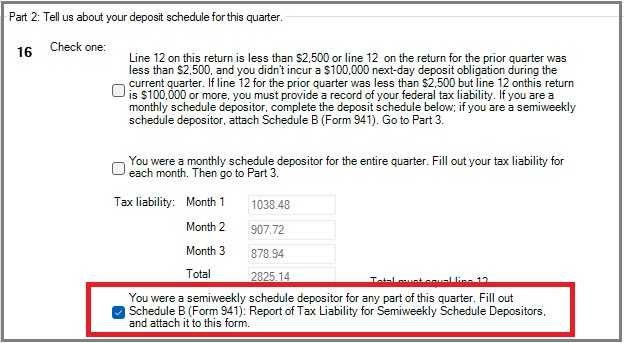
If you encounter any issues with Form 941, such as outdated forms, data discrepancies, or other problems, please visit our 941 Troubleshooting page for assistance.
 (Regular | ezPaycheck Makes Payroll An Easy, In-House Task!(For Windows and Mac)
Switching Payroll? Get ezPaycheck 2026 + 2027 Together & Save Try it free for 30 days with no obligation. No credit card required. |

