Wrong amount / amount does not agree
Example: a check for $110.12 prints as $710.12, or the error is "Invalid QB Check - Amount not agree."

- Update both ezCheckPrinting and the QuickBooks virtual printer. Recent QuickBooks format changes cause most of these issues.
- Raise the print quality so the amount is not printed in ink-saver or draft mode (Help or File > Printer Setup > Check/Paycheck > Options).
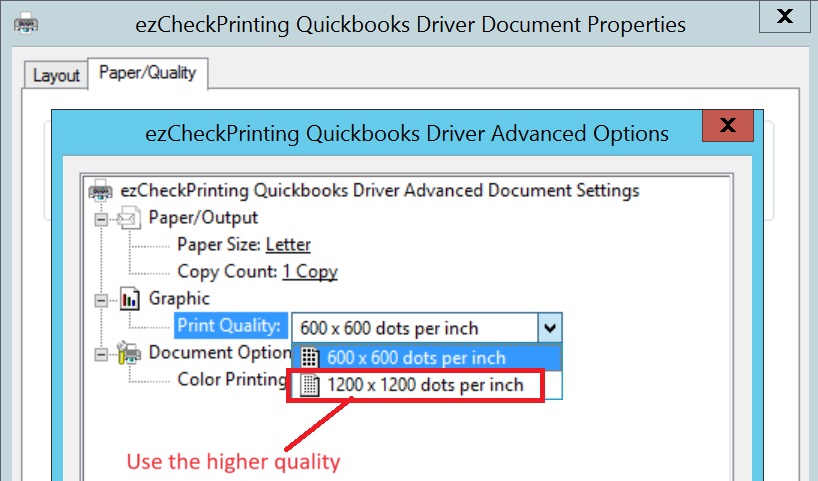
- If it still fails see What to send if you still need help.
If checks must go out now, use Temporary workaround if you need to write checks now.