You can follow this guide to add a new company or edit the current company settings.
Install ezPaycheck, then launch it from the desktop shortcut before you set up a company.
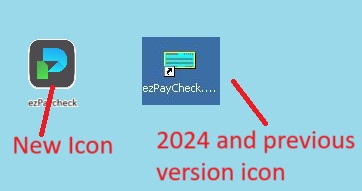
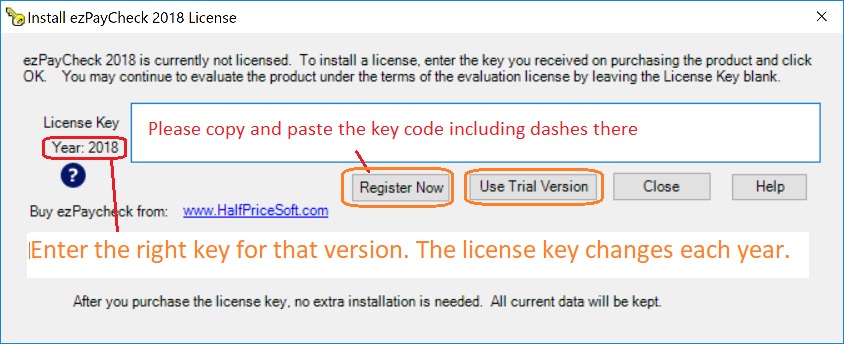
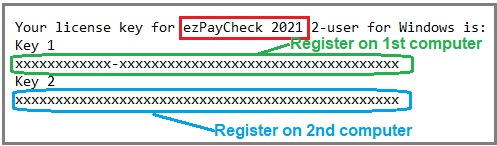
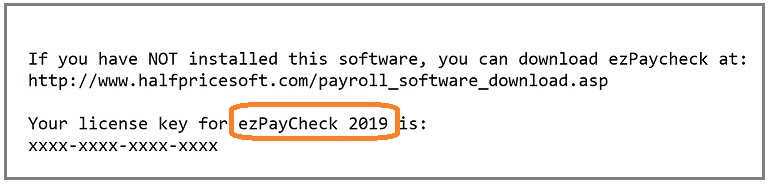
You can find the ezPaycheck version and key code from the license message
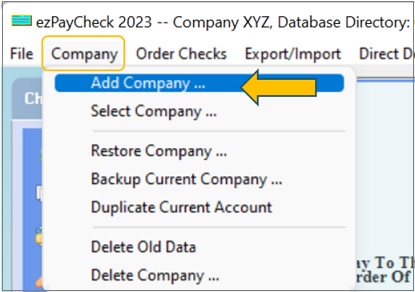
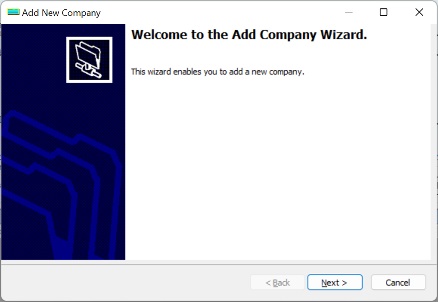
Here are two options to set up company.
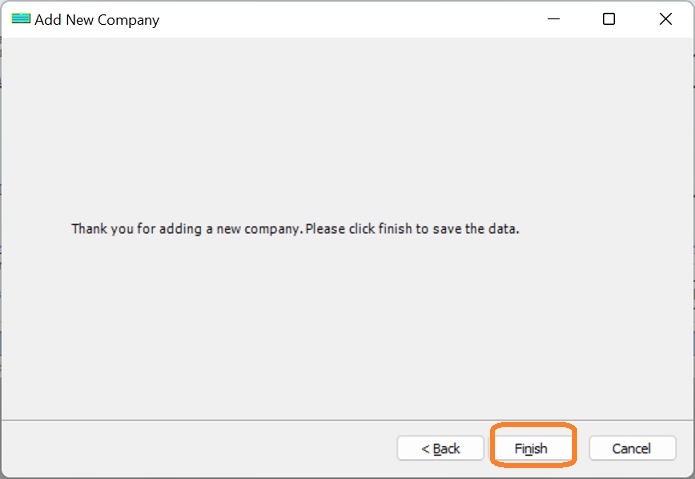
Use the left-menu Company Settings screens to update an existing company.
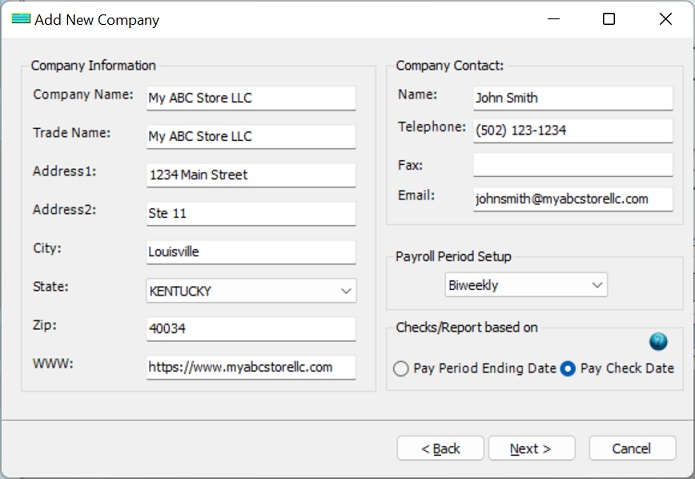
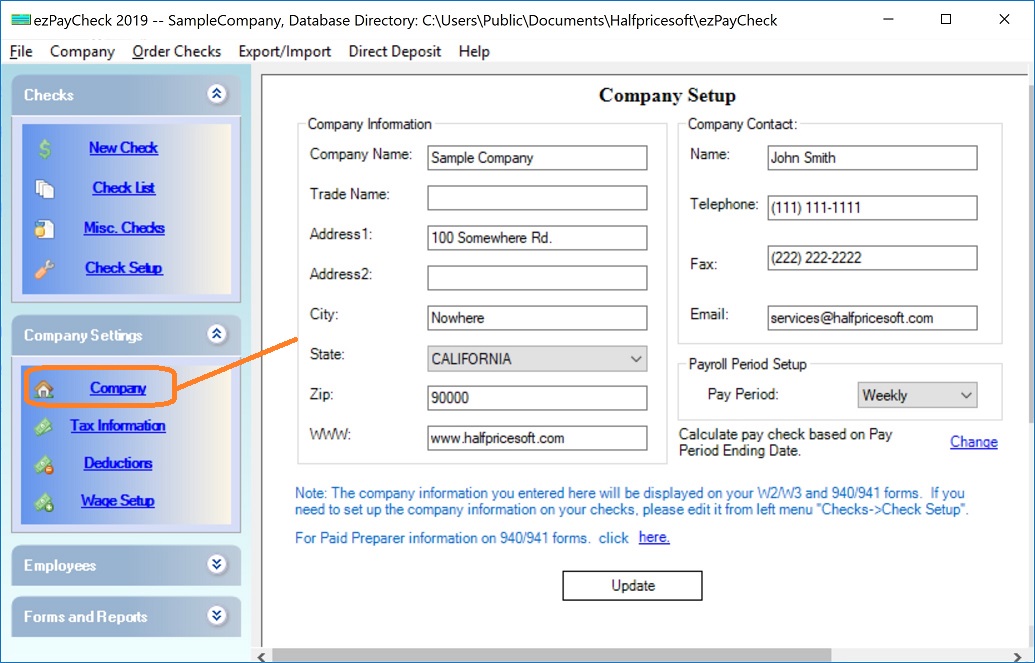
Click the left menu "Company Settings" then click the sub menu "Company" to open the company setup screen
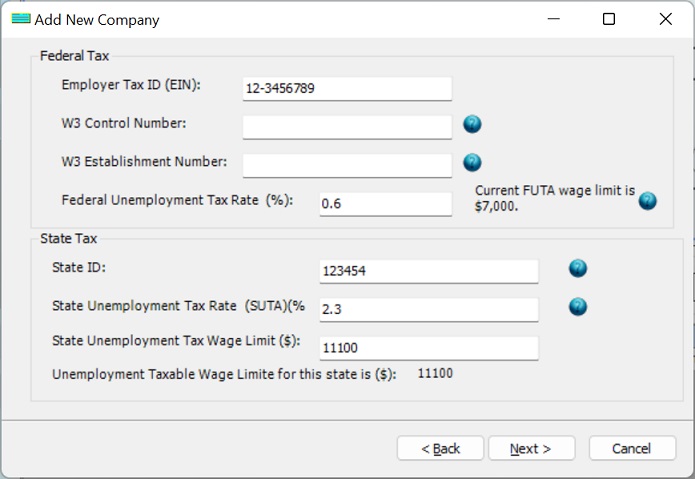
Click the left menu "Company Settings" then click the sub menu "Tax Information" to open the company tax setup screen
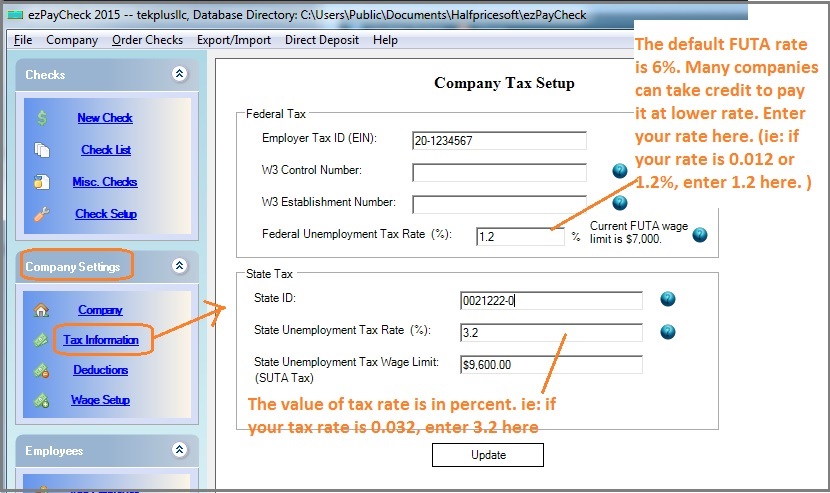
The default tax rate for 2023 is 6%. However, many companies can take up to 5.4% credit. Please check with your local IRS office to see what rate you should use.
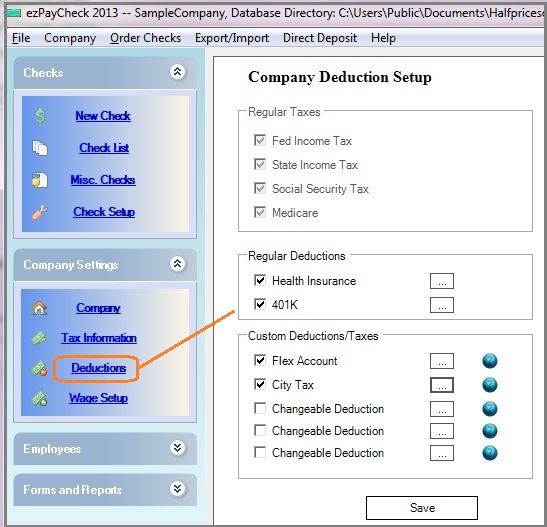
Click the left menu "Company Settings" then click the sub menu "Deduction" to open the company deduction setup screen
ezPaycheck payroll software can support up to 7 custom deduction fields. If you need to add a customer deduction to handle SDI, local taxes, fringe benefits, city taxes, occupation tax, you can learn more detailshere.
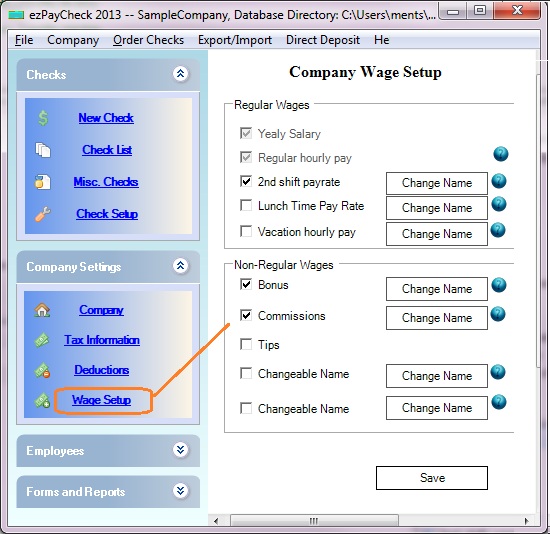
Click the left menu "Company Settings" then click the sub menu "Wage Setup" to open the Company Wage Setup Screen
Please feel free to contact us whenever you need assistance. Our support team is glad to assist you. You can also check the FAQs page or email [email protected].

