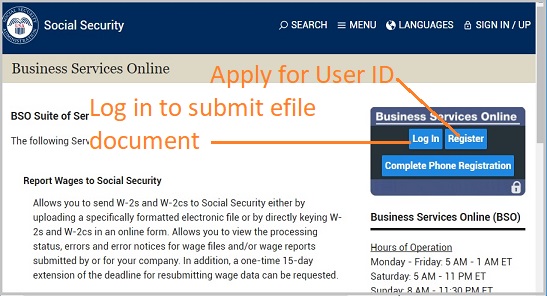
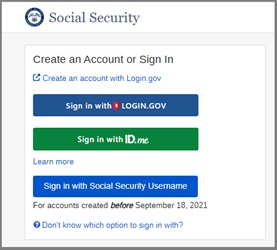
Welcome to our step-by-step guide on uploading your W2 and W3 forms to SSA. Trusted for over two decades, ezW2 is SSA-approved, ensuring a smooth W2 W3 tax reporting process for businesses of all sizes.
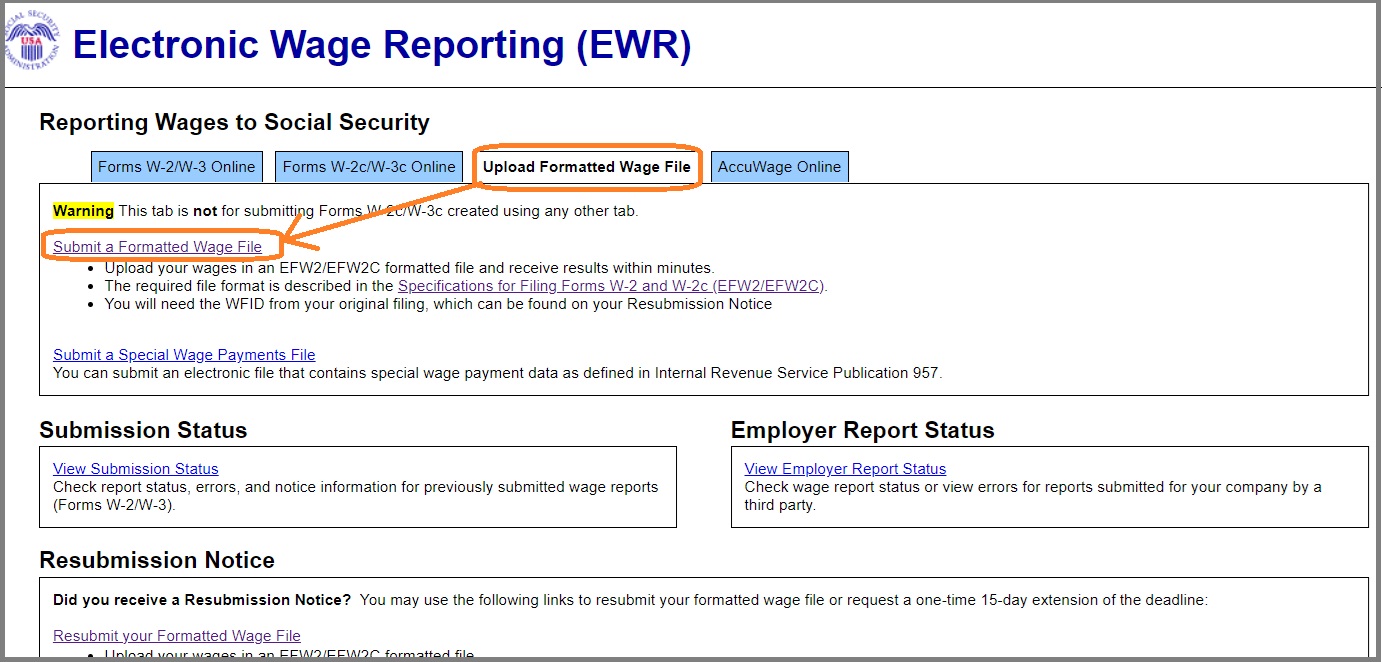
3.1 Select the "Upload Formatted Wage File" tab on the EWR homepage to access the Wage File Upload application. Select the Submit a Formatted Wage File link. The system displays the "What's in the File" page.
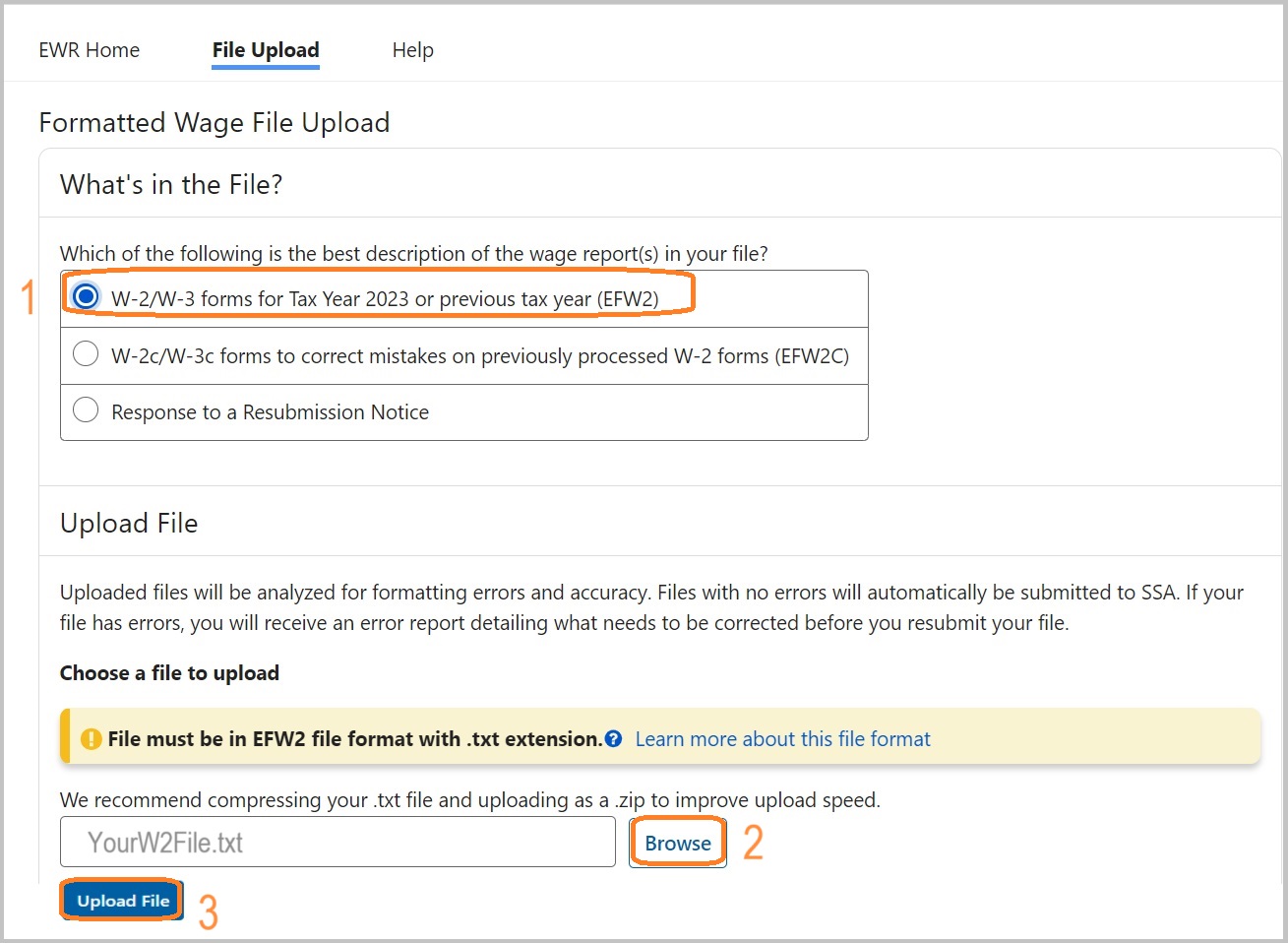
3.2 When the "W-2/W-3 forms for Tax Year 2023 or previous tax year (EFW2)" radio button is selected, the Upload File section with a Browse button will be displayed. You can choose a file to upload.
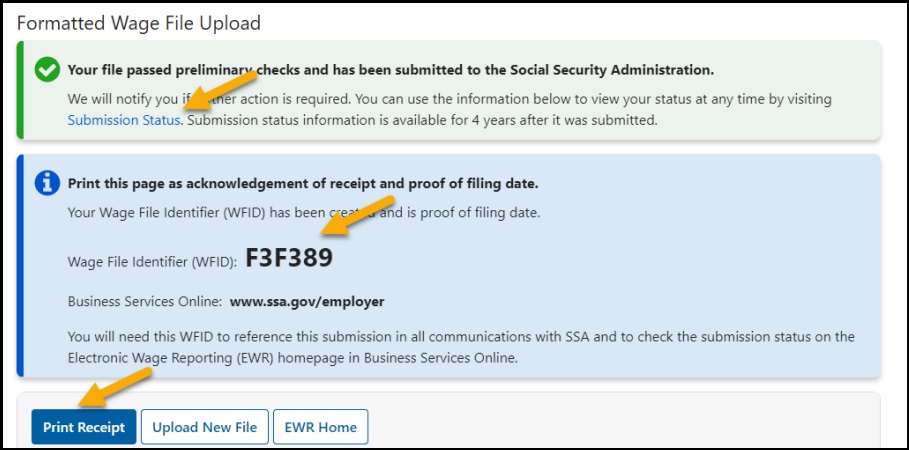
3.3 When the uploaded file passes the preliminary checks, it will be automatically submitted to the Social Security Administration and the system will display a success page.
ezW2 software: SSA Approved. Trusted By Thousands for Two Decades.
Print and eFile Form W2, W3, 1099-NEC & 1096 in House.
Unlimited Company Accounts! Unlimited Forms!
Compatible with Windows 11, 10, 8.1, 8, 7, Vista, XP and other Windows computers.
Try it free today. No obligation. No credit card required.