Payroll Reports - ezPaycheck Payroll Software Guide
ezPaycheck payroll software comes with the flexible report feataures.
Report Options Screen 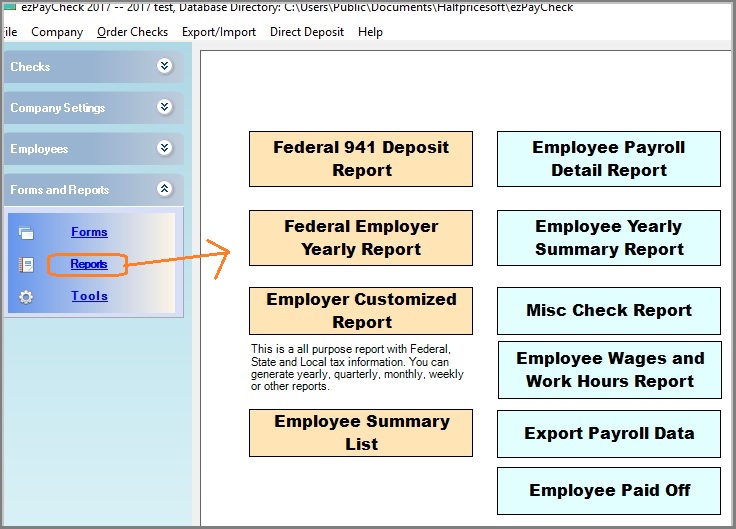
(Click image to enlarge)
Federal 941 Deposit ReportThis report will generate the tax data for 941 deposit. Learn more about
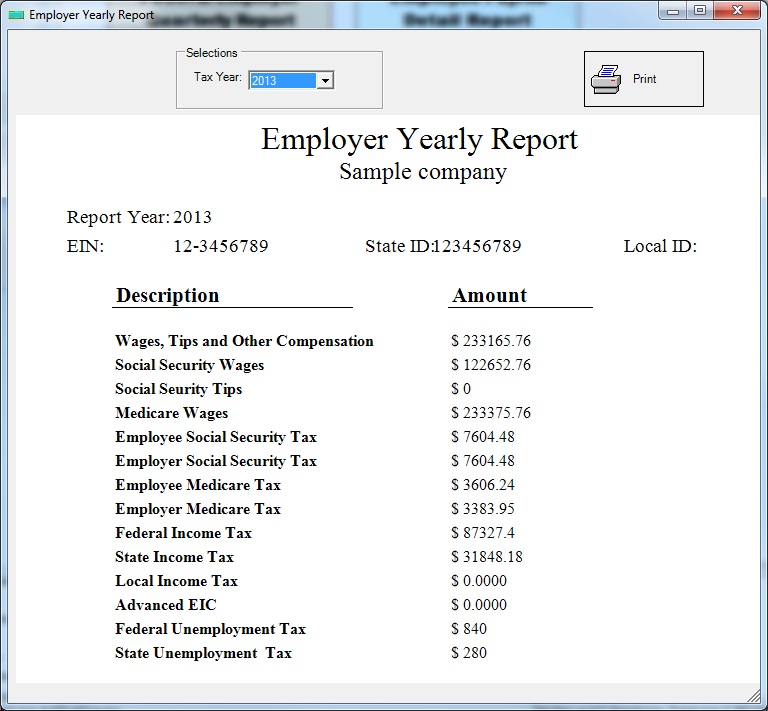
How to deposit 941 federal tax payments using EFTPS site 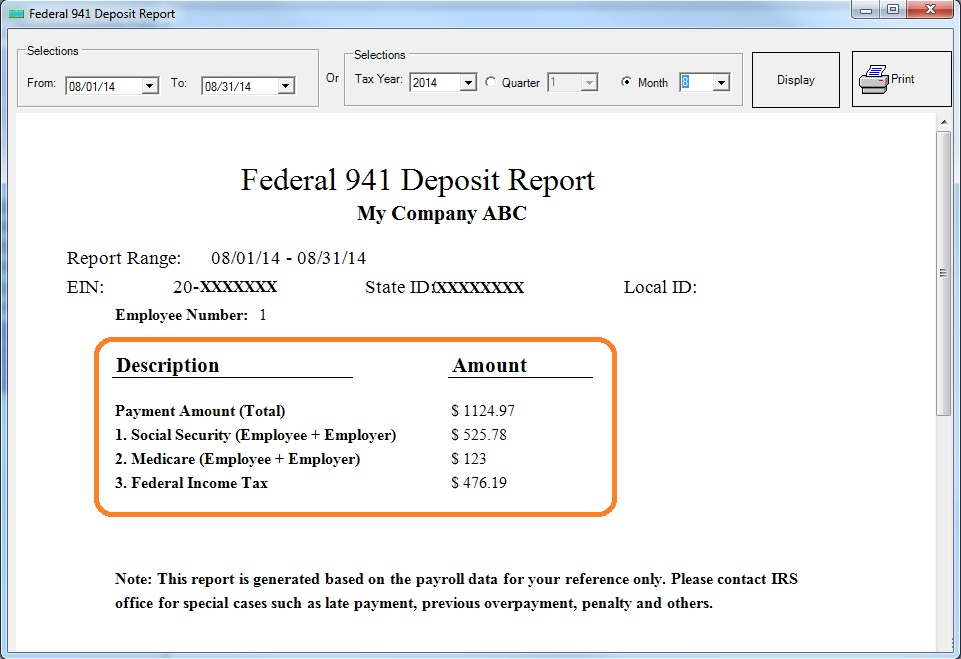 Federal Employer Yearly Repor
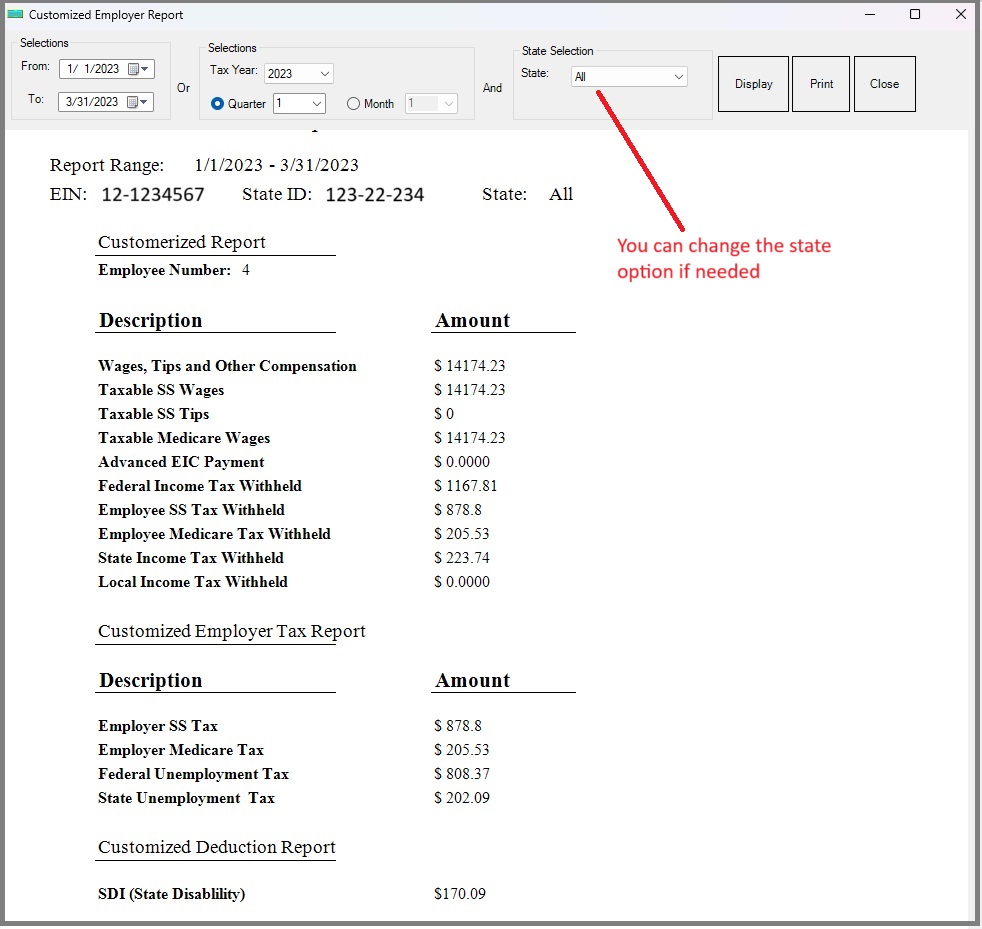
  Employer Customized Report
This is most common used report. You can find summary information of gross payment, federal tax, state tax and other taxes and deductions.
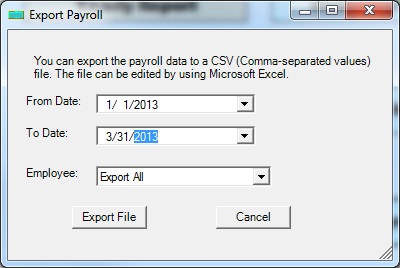
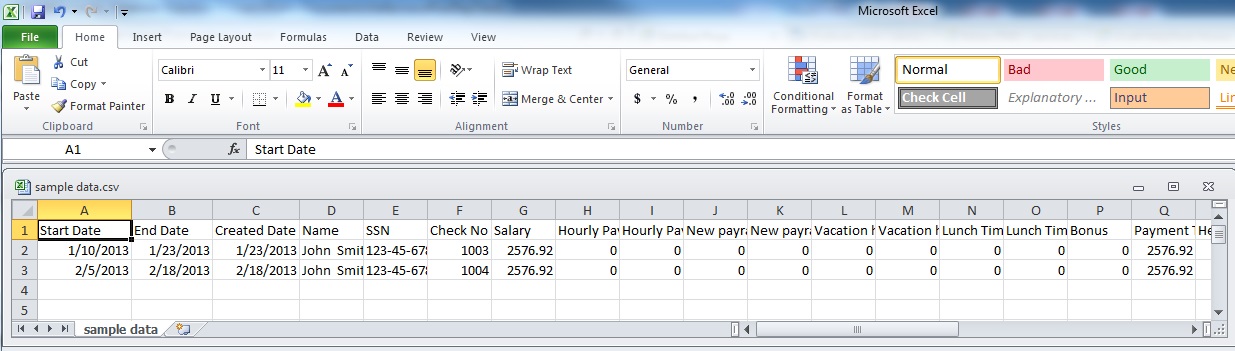
 Export Payroll Data to .csv File
You can export payroll data into .csv file and view it with MS Excel. You can import the data into other system or generate the reports yourself.
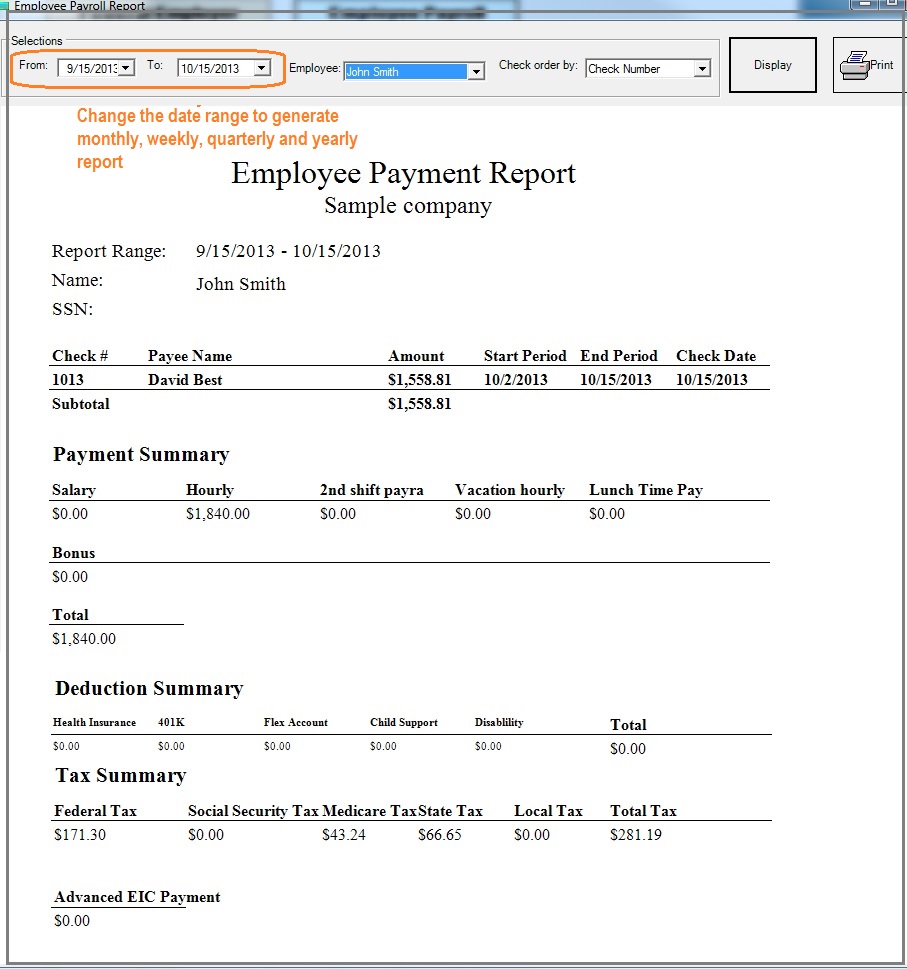
 Employee Payroll Detail Report
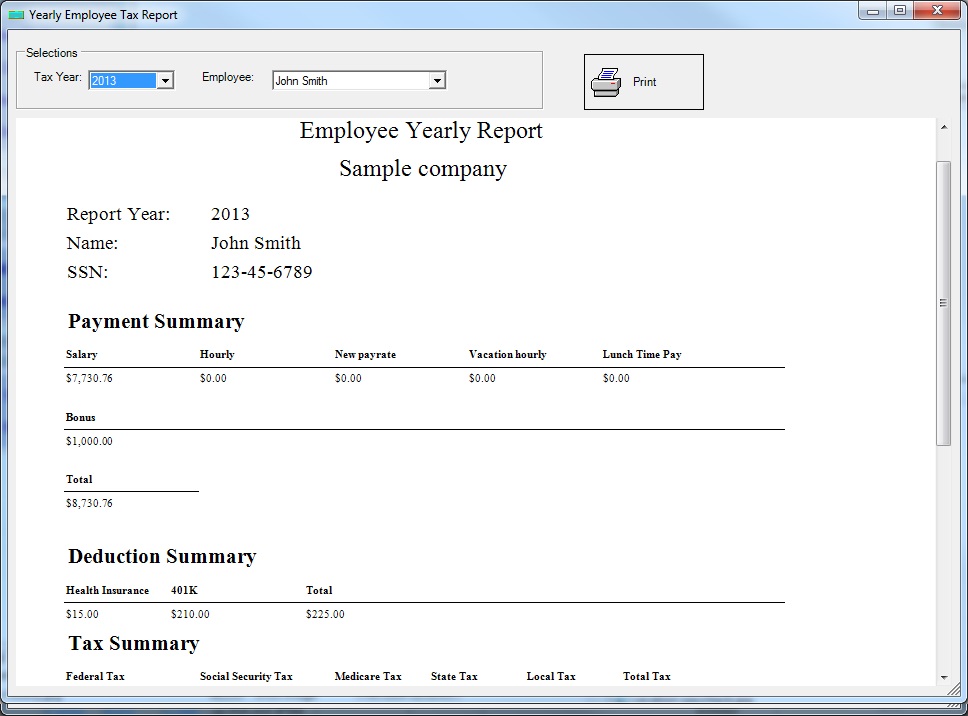
  Employee Yearly Summary Report
  Misc Check Report
Show the MISC checks for employee reimbursements and vendor bills.
Employee Wages and Work Hours Report 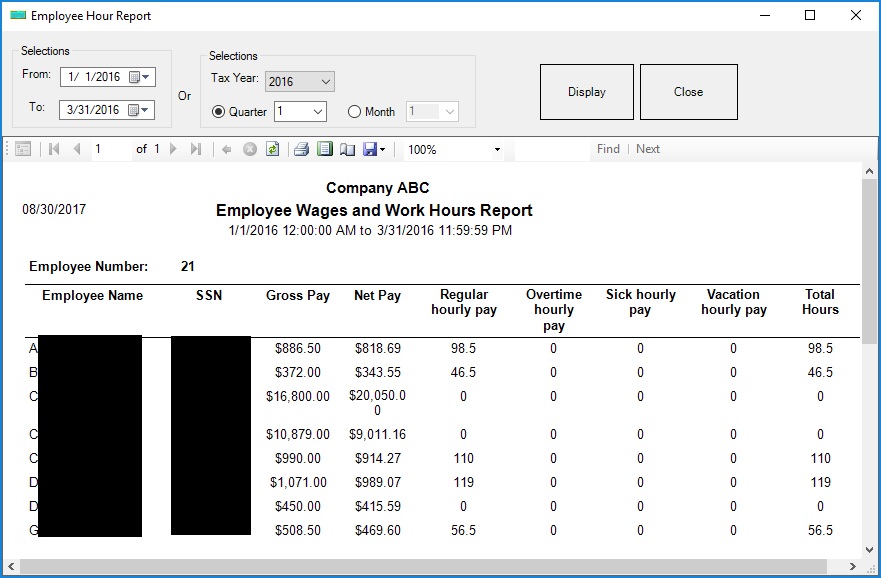 Employee Paid Off
Show employee PTO (vacation, sick hours) information.
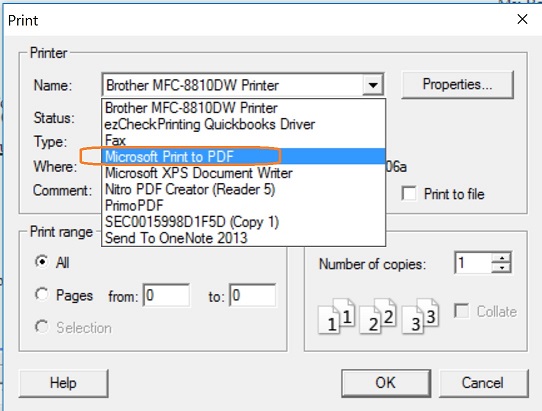
How to print the report into PDF file
Microsoft Windows 10 system includes Native Print as PDF option. When you print a check, report or forms, you can select "Windows Print to PDF" from printer list to print file into PDF format easily.
Or you can install PDF driver (or PDF converter) on your computer to print report into PDF file.

From $169 | ezPaycheck Makes Payroll An Easy, In-House Task!(For Windows and Mac)
- Trusted by Thousands for Two decades.
- Calculate Federal & State Taxes, Print Paychecks, Print W2, W3, 941, 943 and 940.
- User-friendly, Easy-to-use
- No monthly fee.
Act now: automate your small business payroll today.
Try it free for 30 days with no obligation. No credit card required.
|

