Tips: Search for a Solution
Please feel free to contact us anytime you need assistance. We will response your request as soon as possible. For an instant solution, you can also search from our site. Here are some tips:
1. Using the Keywords Search from Our Site Page
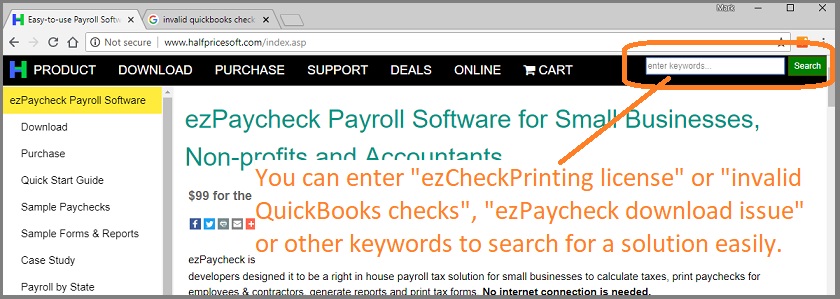
We added the search box at the top right corner of each page. You can type your keywords there and find the answer quickly.
Sample keywords:
ezPaycheck rollback MICR Position ezCheckPrinting invalid license ezCheckPrinting version move ezW2 new machine Invalid QuickBooks checks After fact payroll ... 2. Using the Help Button within Software
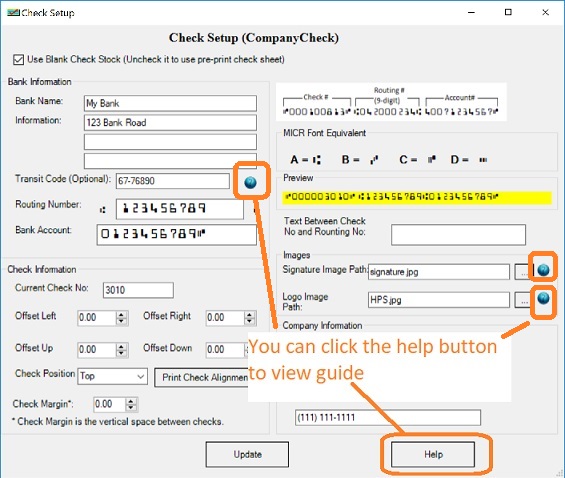
If you have question about one feature, you can click the help button or the help link from your screen.
3. View FAQs by Clicking the Help Menu within Software
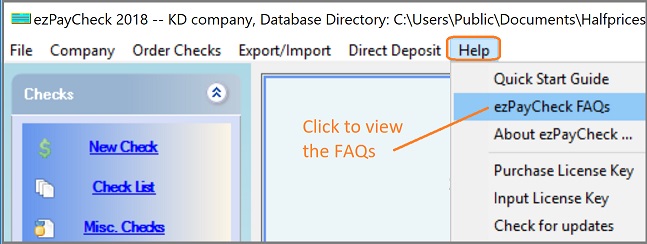
You can click the help menu within our software to view the FAQs page.