Halfpricesoft Halfpricesoft
 

W2 Submission Status: How Do I Know My Electronic File Was Processed


ezW2 software is approved by SSA to print all W-2 forms and W-3 form on white paper. It also generates the EFW2 format efile document that you can upload to SSA and states (see state efile list). The efile document includes both W2 and W3 information.

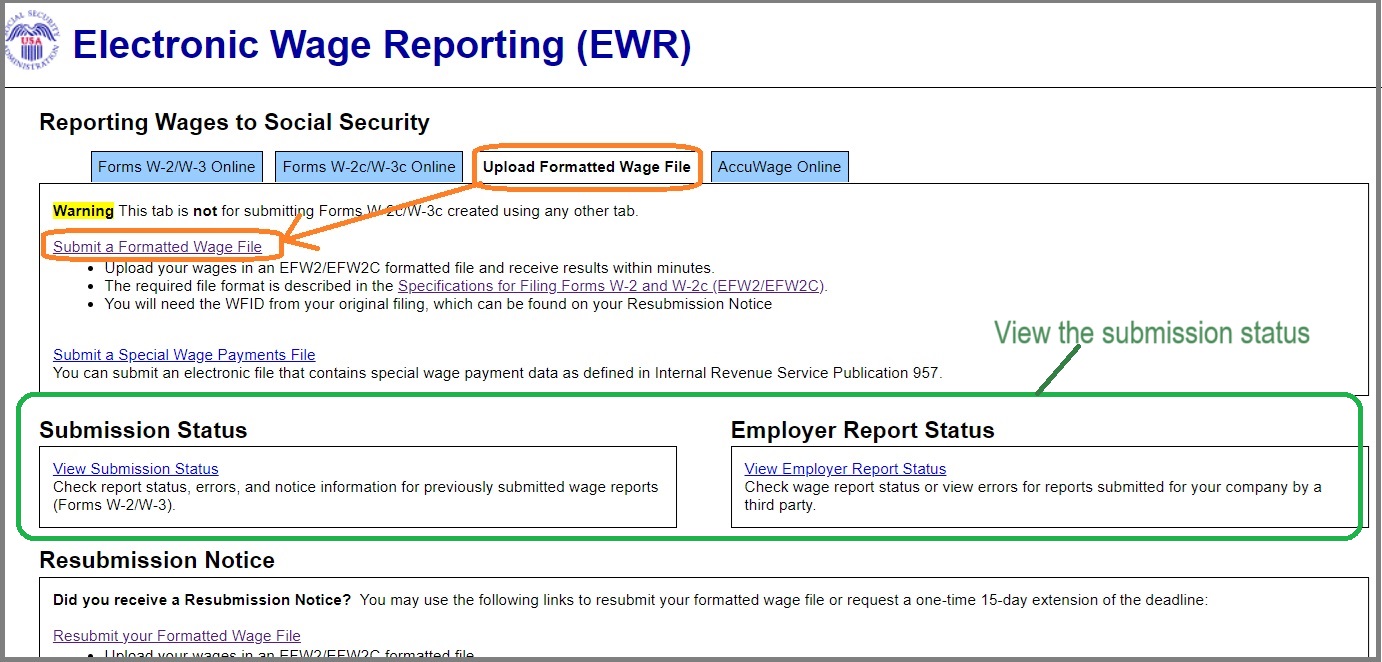
Employers and third parties may view the submission status within BSO on the Electronic Wage Reporting (EWR) homepage.

1. Visit SSA site

The IRS efile link is https://www.ssa.gov/bso/bsowelcome.htm

SSA W-2 Submission

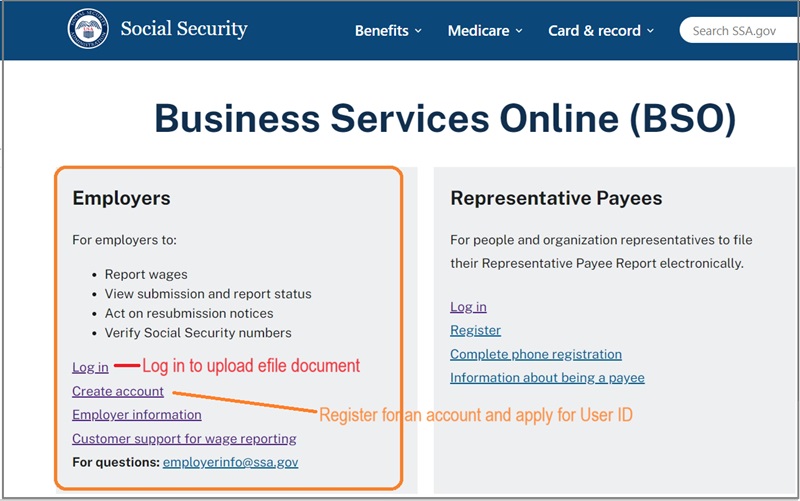
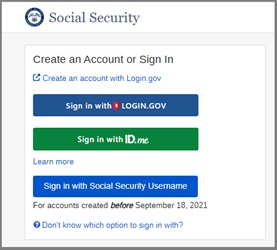
2. Log in

ssa site login

3. Check submission status

3.1 Employers and third parties may view the submission status within BSO on the Electronic Wage Reporting (EWR) homepage. Employers select "View Employer Report Status." Third parties select "View Submission Status."

check submission status

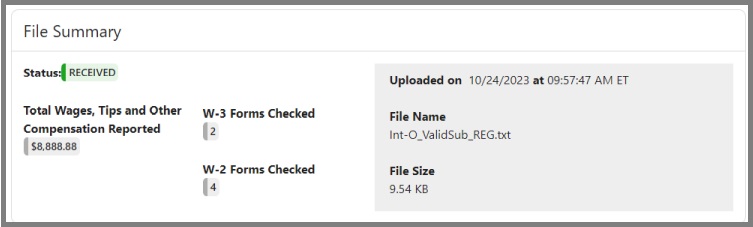
3.2 When a file is successfully submitted to SSA, the status will show "received" and then "complete" when the file is successfully processed.
received submission status


More information:

  • How to correct W2 and W3 forms?

  • How to efile W2 W3 to SSA?

  • How to efile W2 to state?
  • You can generate and submit the W2 file to your state if your state supports EFW2 format efile document.


    W2 software

    ezW2 software: SSA Approved. Trusted By Thousands for Two Decades.

  • Print and eFile Form W2, W3, 1099-NEC & 1096 in House.
  • Unlimited Company Accounts! Unlimited Forms!
  • Compatible with Windows 11, 10, 8.1, 8, 7, Vista, XP and other Windows computers.

  • Try it free today. No obligation. No credit card required.


    Related Links

    ezW2: W2, W3

    ezW2: 1099-Nec, 1096

    ezW2Correction: W2C, W3C

    More Forms