Halfpricesoft Halfpricesoft
 

Sample Pocket-sized Personal Checks

With ezCheckPersonal software, you can

- checks on blank stock and pre-printed checks
- blank checks with MICR encoding line to fill in manually, or by Quicken, QuickBooks and other software.
- draft checks to receive payment by fax, email and online


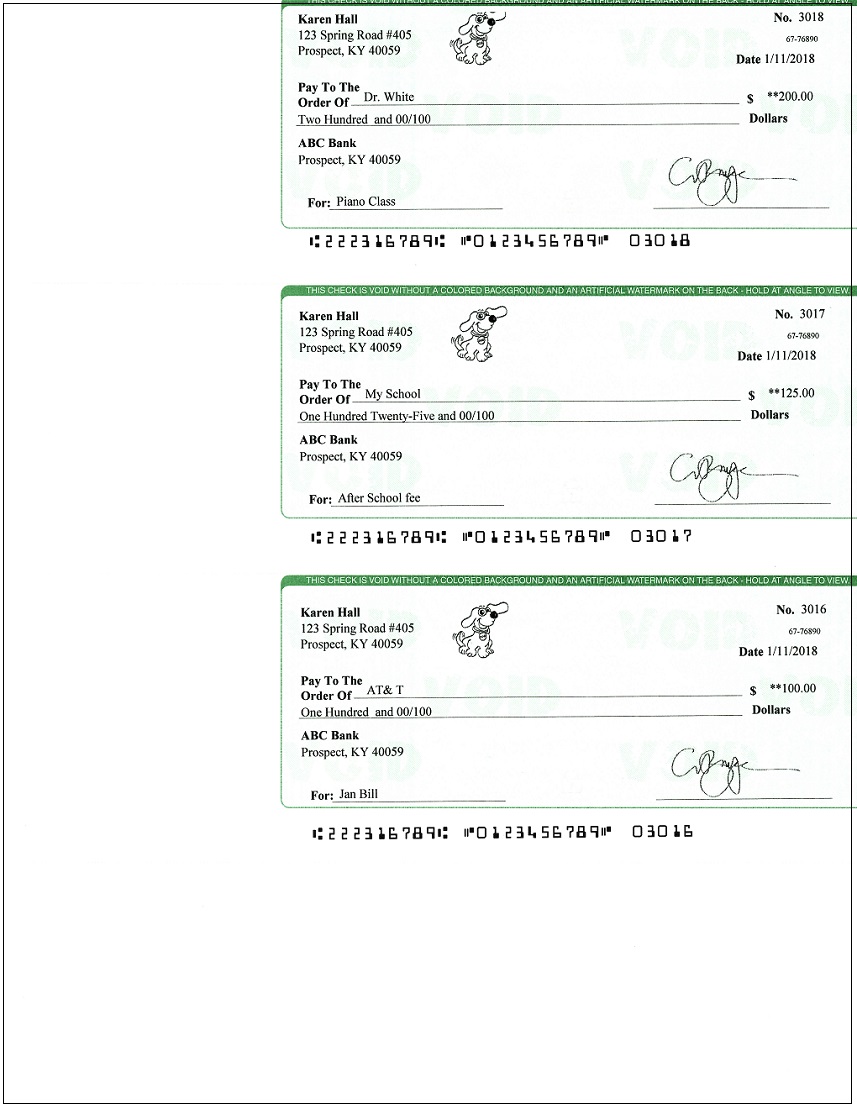
1. Sample Checks Printed on Blank Stock


2. Sample Checks Data If You Are Using Pre-printed Check Paper

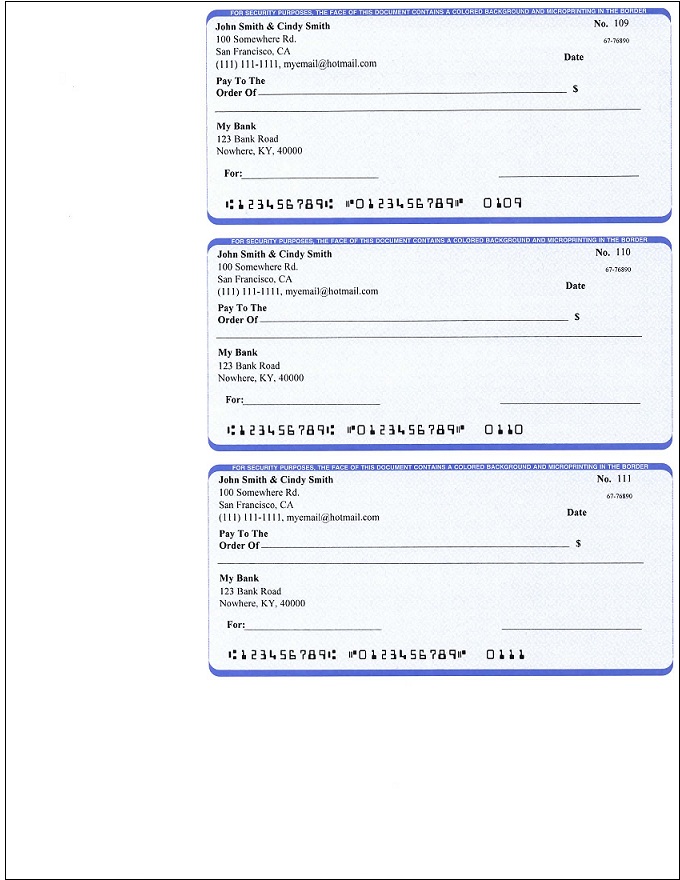
3. Sample Pocket-sized Blank Checks That You Can Fill in Manually or with QuickBooks, Quicken & Other Applications


  • How to print paychecks on blank stock?

  • How to print personal check on blank stock?

  • How to print QuickBooks check on blank stock?

  • How to print pre-printed blank check with MICR encoding to fill in manually?

  • How to print checks with logo?

  • How to print check draft to collect payment online or by phone?

  • Why my bank cannot scan my check?

  • Do I need special printer to print checks?


  • free check printing software ezCheckPersonal allows customers to design and print pocket-sized personal checks with MICR encoding and logo on blank stock in house. You can also use it to fill out preprinted blank checks also.

    If you have not installed this software, you can download and try it free with no obligation and no credit card needed.

    ezCheckPersonal is available for both Windows and Mac computers.
