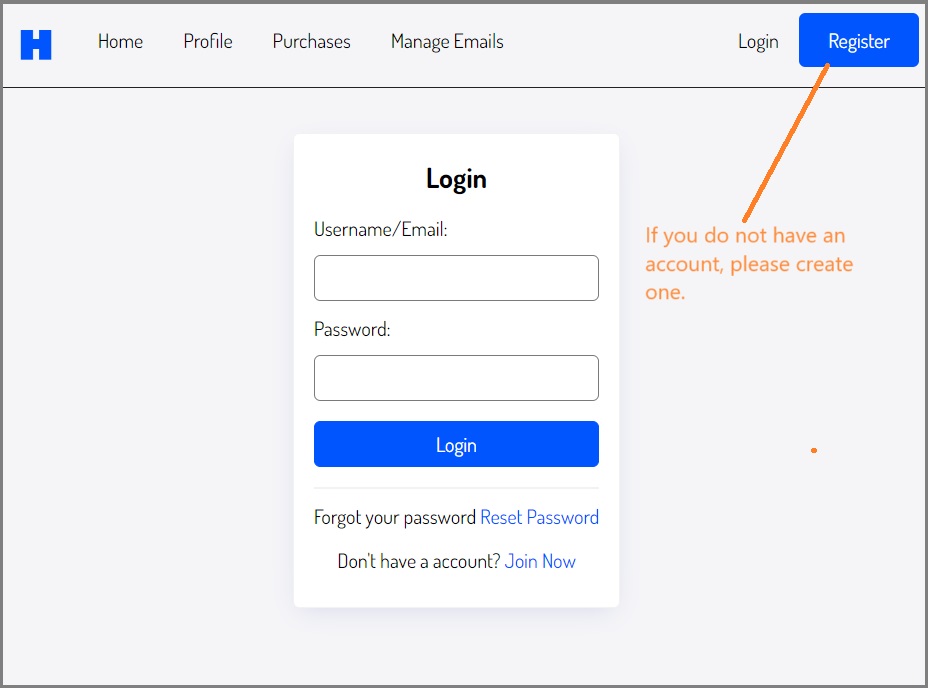
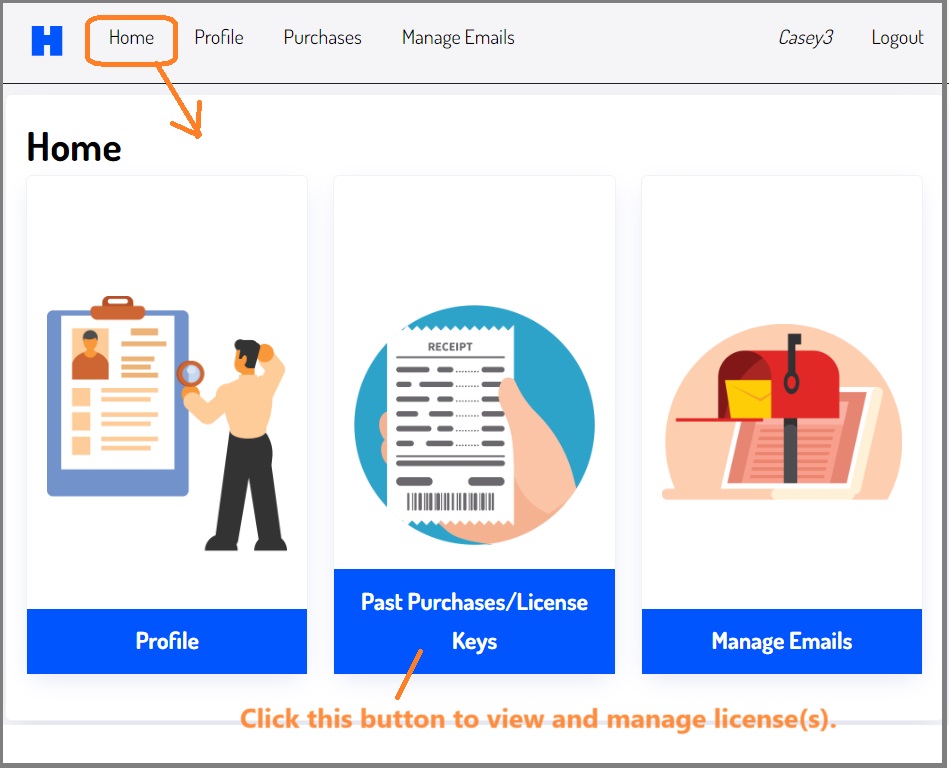
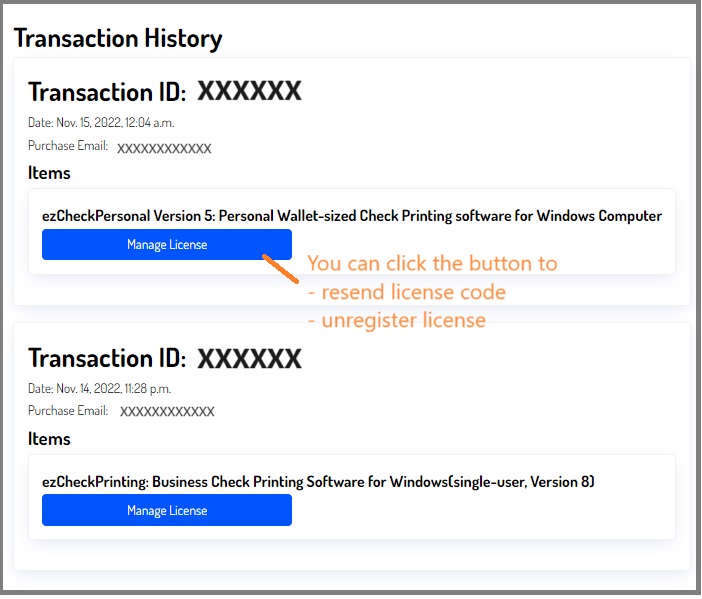
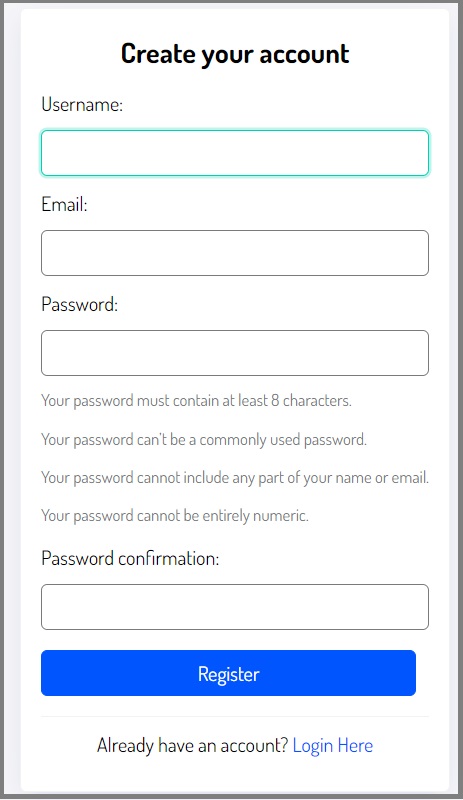
If you do not have an account, please create a new account to view order(s) and manage license(s).
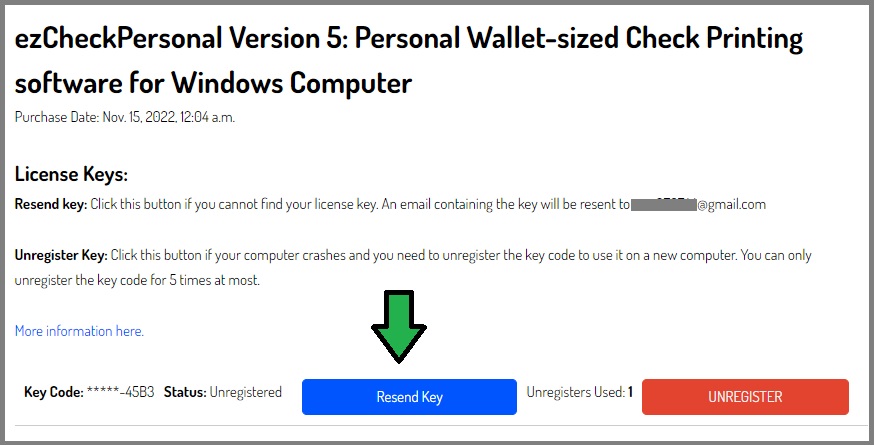
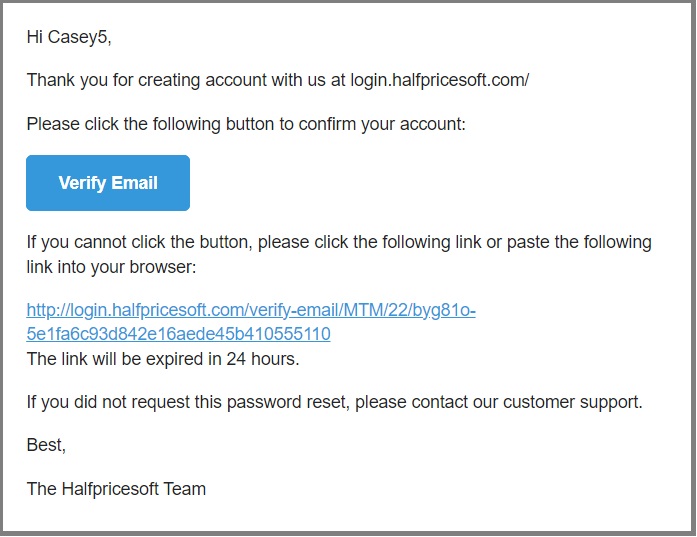
Please check your email account to view the license key code.
Get Help
Please feel free to
contact us whenever you need assistance. Our support team are glad to assist you.
Please add the followng information in message: 1) Software name. (ie: ezPaycheck 2021, ezCheckPrinting Version 7 or others)
2) email used with your order(or the Amazon Order ID). 3) buyer full name and zip code to verify the ownership. 4) Your request (ie: resend key code, unregister the license from the old computer)
 How to retrieve a forgotten license