Add Transaction(s) by importing from ezCheckPrinting
Add Transaction(s) by importing from ezPaycheck payroll software
Add Transaction(s) by importing from ezAccounting
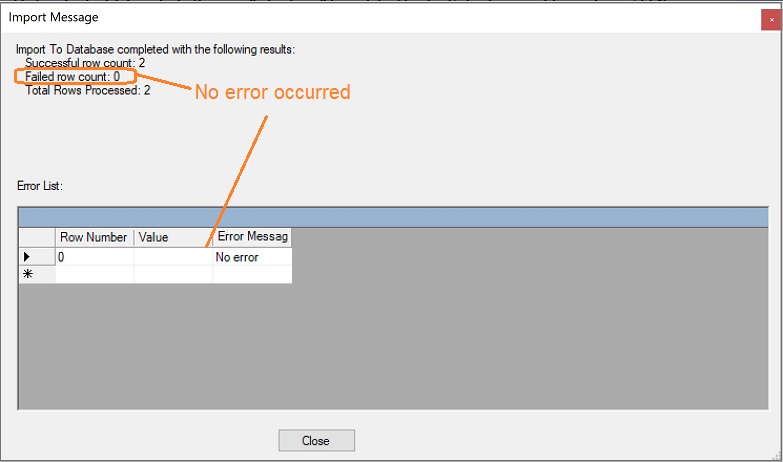
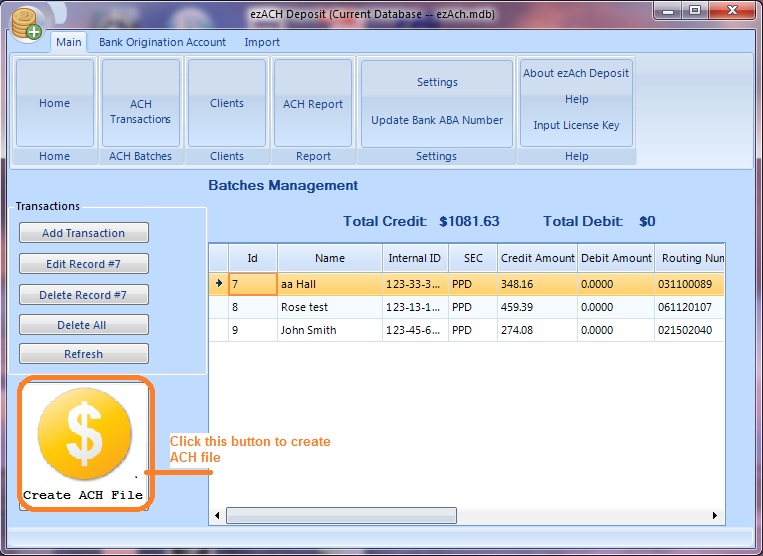
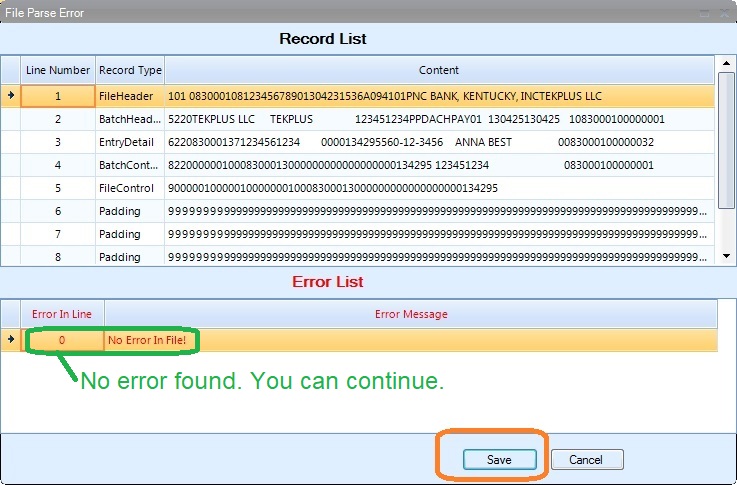
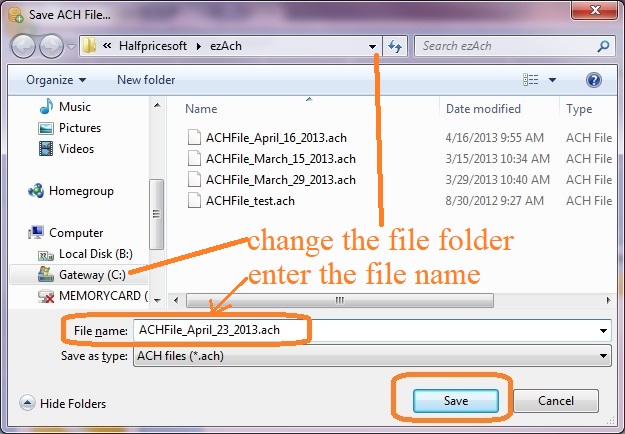
Here are the step by step guide on how to import Transaction(s).
How can I know which ezCheckPrinting account has my data?
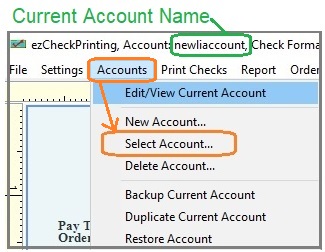
You can start ezCheckPrinting and view the current account database file name from the top menu. The file name is behind "ezCheckPrinting, Account:". (Note: If you have multiple accounts, you can click the top menu "Accounts" then "Select Account" to change the current account.)
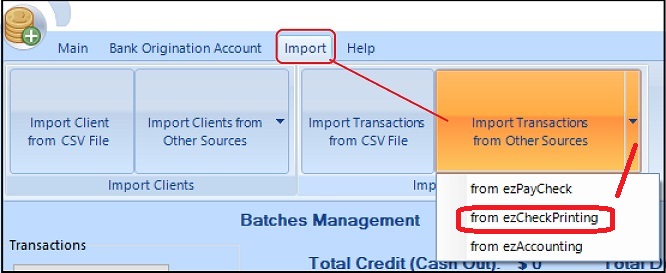
Step 1: Import Transaction(s) from ezCheckPrinting software