This is a guide for clients who installed or purchased ezCheckPrinting Version 6 from Apple Store.
The latest version 6 is compatible with the High Sierra, Mojave, Catalina, Big Sur, Monterey, Ventura and and later masOS. (ezCheckPrinting version 6.0.1 was released on Aug 9, 2019.)
1. How to know my current ezCheckPrinting version
You can click ezCheckPrinting top menu "Help" then "About ezCheckPrinting" to view it.
2. How to know my macOS version
To see which version of macOS you have installed, click the Apple menu icon at the top left corner of your screen, and then select the "About This Mac" command.
3. How to update ezCheckPrinting Version 6
Option 1: Most clients can download the latest version from Apple Store directly.
Option 2: Uninstall and re-install ezCheckPrinting on Mac if you cannot install ezCheckPrinting directly.1) As a precaution, back up data.
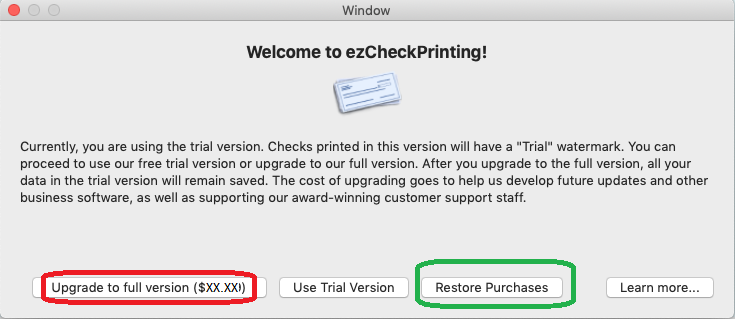
If you see the key input screen and you have already purchased the license from Apple Store, please click "Restore Purchases" button to restore license.
- Print checks on blank stock with logo and signature - Fill in data on pre-printed checks - Print blank checks to fill in later - QB virtual printer for QuickBooks/Quicken(for Windows) - Unlimited accounts and checks for Windows and Mac.
Try ezCheckPrinting free demo version with no obligation and no credit card needed.