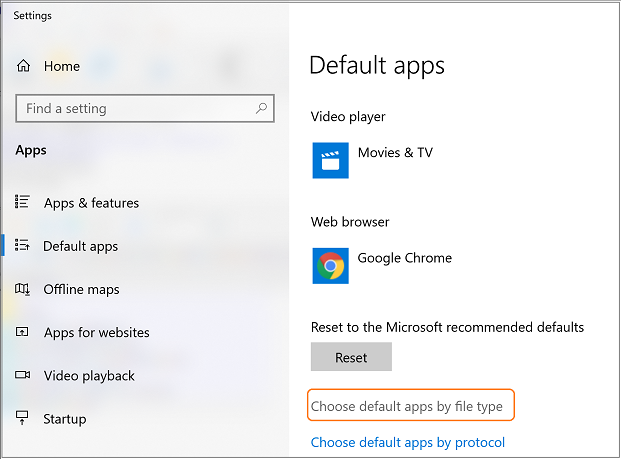
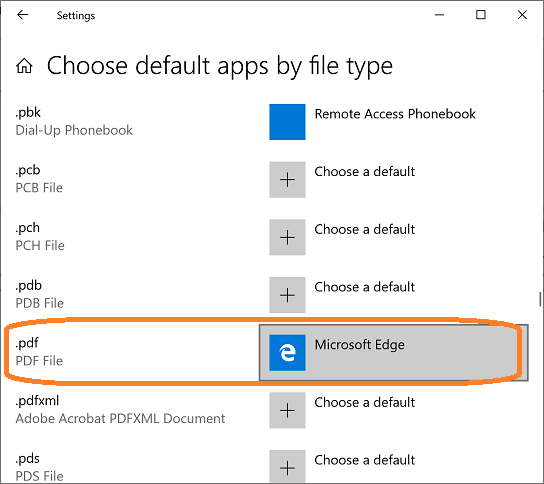
Several reasons can cause this "Invalid format" error. Please follow the steps below to fix it. If you still need assistance, please follow the step 3 and send us the data file "qbfile0001.txt".
Problem 1: Print checks with QB APP.
Solution: QB virtual printer cannot work with QB APP. Please open QuickBooks online with IE, Edge, Chrome browser to print checks.
Problem 2: Adobe PDF Reader is not installed or is not enabled.
Solution 2.1: If you are using QuickBooks Desktop Version, please install ADOBE PDF Reader.
ezCheckPrinting for QuickBooks allows QuickBooks users to print checks on blank stock with MICR encoding and logo in house. You can also use it to fill out preprinted blank checks also.
If you have not installed this software, you can download and try it free with no obligation and no credit card needed.
ezCheckPrinting for QuickBooks is compatible with Windows 11, 10, 8.1, 8, 7, Vista, XP and other Windows computers.