| Error code | Description | Solution |
|---|
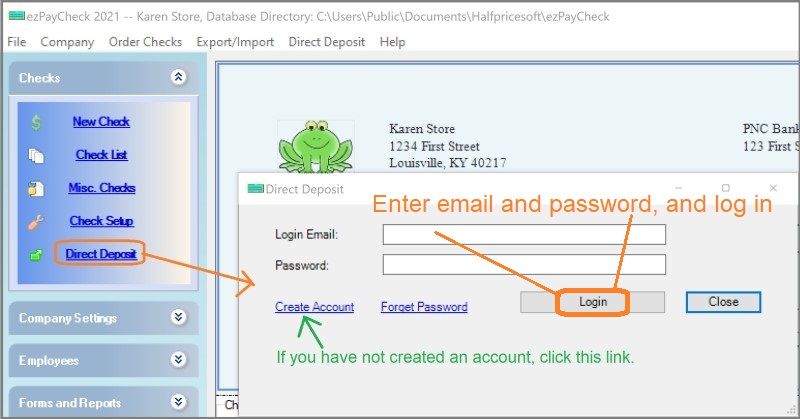
| R001 | Login Error. Company is registered with another login! Please change login | The current company is linked with another email. Please enter the correct email. |
| R002 | Error! Create company failed. | Usully such issued is caused internet connection. Please try it again. |
| R013 | the email or password is not correct | Please enter the correct information and try again. |
| R014 | Login Error. Please login to your email and verify first. | After you created an account, a message will be sent to your email account. Please click the link in that email to verify your account. |